An Application Programming Interface An API (Application Programming Interface) is a set of methods and rules that allow one piece of software to interact with another using code to call specific functions for reading data, triggering actions, or responding to events, rather than a graphical interface. CloudCannon's visual editing interface provides a user-friendly way of updating your website files on an interactive preview of your webpage. You can navigate around your website preview using links/buttons, as you would on the live version, and edit your content inline on the page, or with the data panel or sidebar. What you see in the Visual Editor is what your website visitors will see on your live webpages.API
Visual Editor
The Visual Editor API is designed for experienced CloudCannon developers who want to build their own custom integrations for the Visual Editor that go beyond what CloudCannon provides out of the box. If you need help using the API or with your CloudCannon setup in general, please contact our friendly support team. For a complete list of API objects and methods, please read our reference documentation on the Visual Editor API.
How does the Visual Editor API work?#
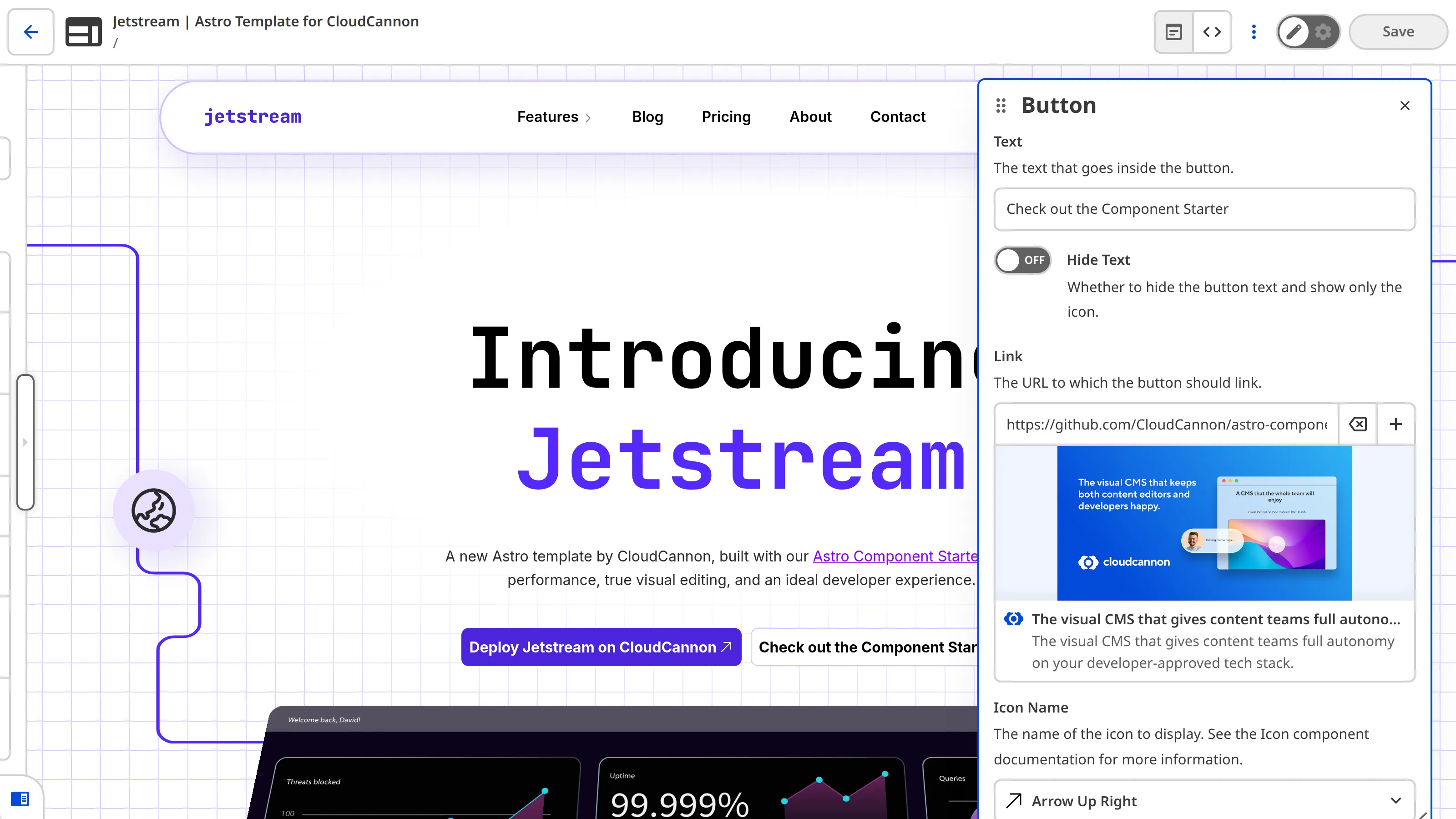
When you open a page in the Visual Editor, CloudCannon loads your site inside a sandboxed iframe. The Visual Editor API bridges communication between your website's JavaScript and the Visual Editor that surrounds it.
CloudCannon exposes an API router on An API object is an object that exposes an API's methods, so you can work with a service or system in code. In CloudCannon, the Visual Editor API provides an API Object as its entry point: call window.CloudCannonAPI. You request the version you want with useVersion(), and the router returns an API ObjectAPI Object
useVersion() on window.CloudCannonAPI to get it, then use its methods to access files, Collections, and Datasets, read and write content, listen for changes, and build custom integrations in the Visual Editor.
What can you do with the Visual Editor API?#
The Visual Editor API provides methods to:
- Access and list files, Collections, and Datasets across your Site.Glossary term
Site
A website in CloudCannon that includes all the files, content, configuration, and settings needed to edit, build, and host a complete website.
- Read and write front matter, body content, and raw file source for any file, as well as lock files in the Visual Editor.
- Listen for changes on files, Collections, and DatasetsGlossary term
Collection
A group of related files with a similar format (e.g., a folder of pages, blog posts, or data files). Once you group your files into Collections, they appear in the Site Navigation for easy access.
to keep your integration in sync.Glossary termDataset
A structured data file or folder defined under
data_configin your CloudCannon Configuration File. Datasets are used to store reusable data such as navigation links, locale strings, or site settings, and can be accessed and updated through CloudCannon's editing interfaces. - Create custom Data Panels that support CloudCannon Inputconfiguration.Glossary term
Input
An editing interface for structured data in your data files or the Front Matter of markup files. Inputs appear in the Data Editor and the sidebar or data panels in the Content Editor and Visual Editor. CloudCannon supports twelve types of Inputs: Boolean, Code, Color, Datetime, File, Number, Object, Array, Select, Text, Rich Text, and URL.
- Create custom inline editing directly on the webpage preview in the Visual Editor.
- Manage loading, uploads, and previews.
At CloudCannon, we use this API to build our own features. CloudCannon's Editable Regions are built on the same Visual Editor API that you have access to. For example, *.createTextEditableRegion() is the method that powers the data-editable attribute. It makes any HTML element inline-editable and connects it to the Visual Editor's content model.
For more information on how to use the Visual Editor API, please read our documentation on initializing the Visual Editor API, or the Build custom Visual Editor integrations guide.