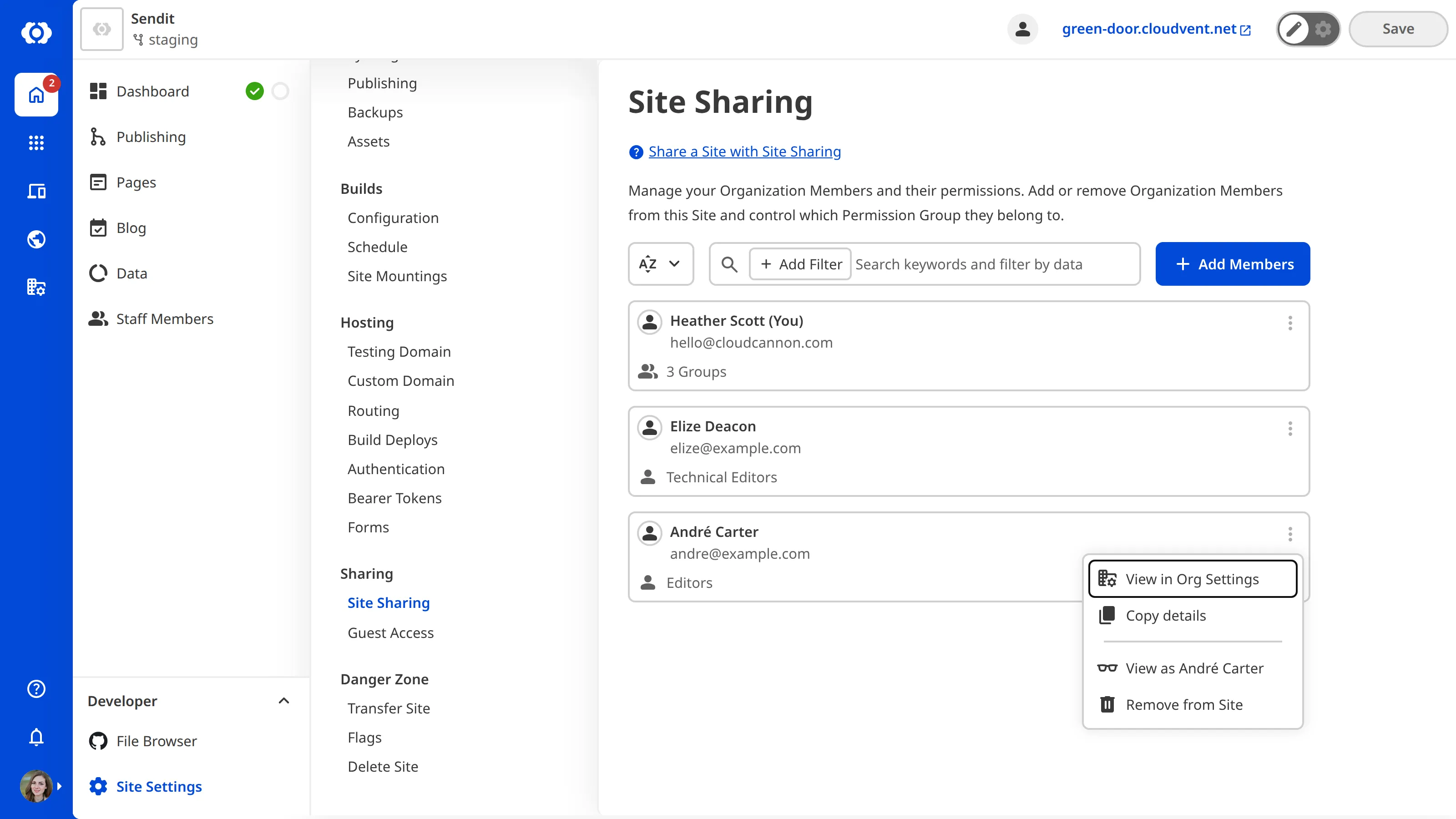
To remove an Organization Member from your Site:
- Navigate to the Site Sharing page under Site settings.
- Identify the Organization Member you want to remove from this Organization. Click on the Context Menu in the top right of the member card.
- Select the Remove from Site option from the Context Menu dropdown.
- Confirm that you want to remove this Organization Member from your Organization by clicking the Remove from Site button in the confirmation modal.