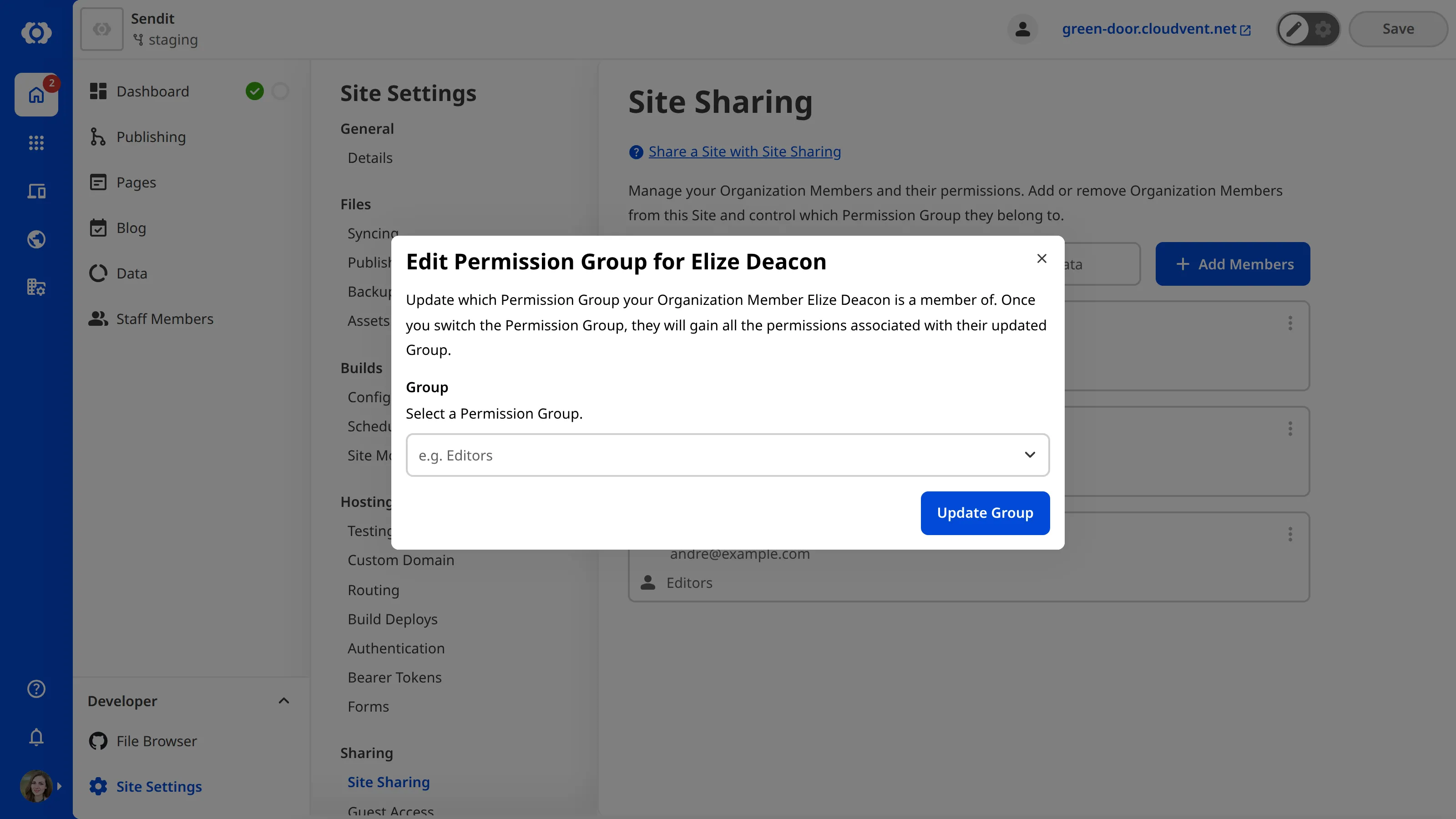
There are two Permission Groups available per Site for Site Sharing. These have identical permissions to the Technical Editors and Editors Groups except with a Site scope. Site Sharing Permission Groups are named after the Site they provide access to.
Members of the Owners or Developers Default Permission Groups can update an Organization Member’s Site Sharing Permission Group. If you are using Custom Permission Groups, any member with permission to access the group:member:write or site:settings:site-sharing:write resources can update a member's Site Sharing Permission Groups.
To switch which Permission Group your Organization Member belongs to:
- Navigate to the Site Sharing page under Site settings.
- Click on the member whose permissions you want to update. This will open the Update Organization Member Permission Group modal.
- Select the Permission Group to which you want to add the Organization Member.
- Click the Update Group button.