By default, CloudCannon automatically detects the output URLs for your files and assigns them at build time. This is useful because you do not need to assign an output URL to each file yourself.
However, this behavior may not be right for your Site A website in CloudCannon that includes all the files, content, configuration, and settings needed to edit, build, and host a complete website.Site
Before disabling CloudCannon's automatic URL detection, you must configure the collections_config.[*].url key for all output Collections.
You can set the output URL for a Collection A group of related files with a similar format (e.g., a folder of pages, blog posts, or data files). Once you group your files into Collections, they appear in the Site Navigation for easy access. CloudCannon's interface for managing and organizing files in your site repository. Tools in the File Browser allow you to navigate, upload, delete, and manage files and folders using the same file architecture as your Git Repository. CloudCannon's interface for managing and organizing groups of related content files called Collections. Tools in the Collection Browser allow you to add, open, delete, filter, and sort your files. Configuration Mode allows you to modify your Configuration File from any page in the app, allowing you to see your changes in real time. The Configuration Mode switch is on the right side of the Site Header.Collection
cloudcannon.config.yml file from your File BrowserFile Browser
Collection Browser
Configuration Mode
To disable automatic URL detection:
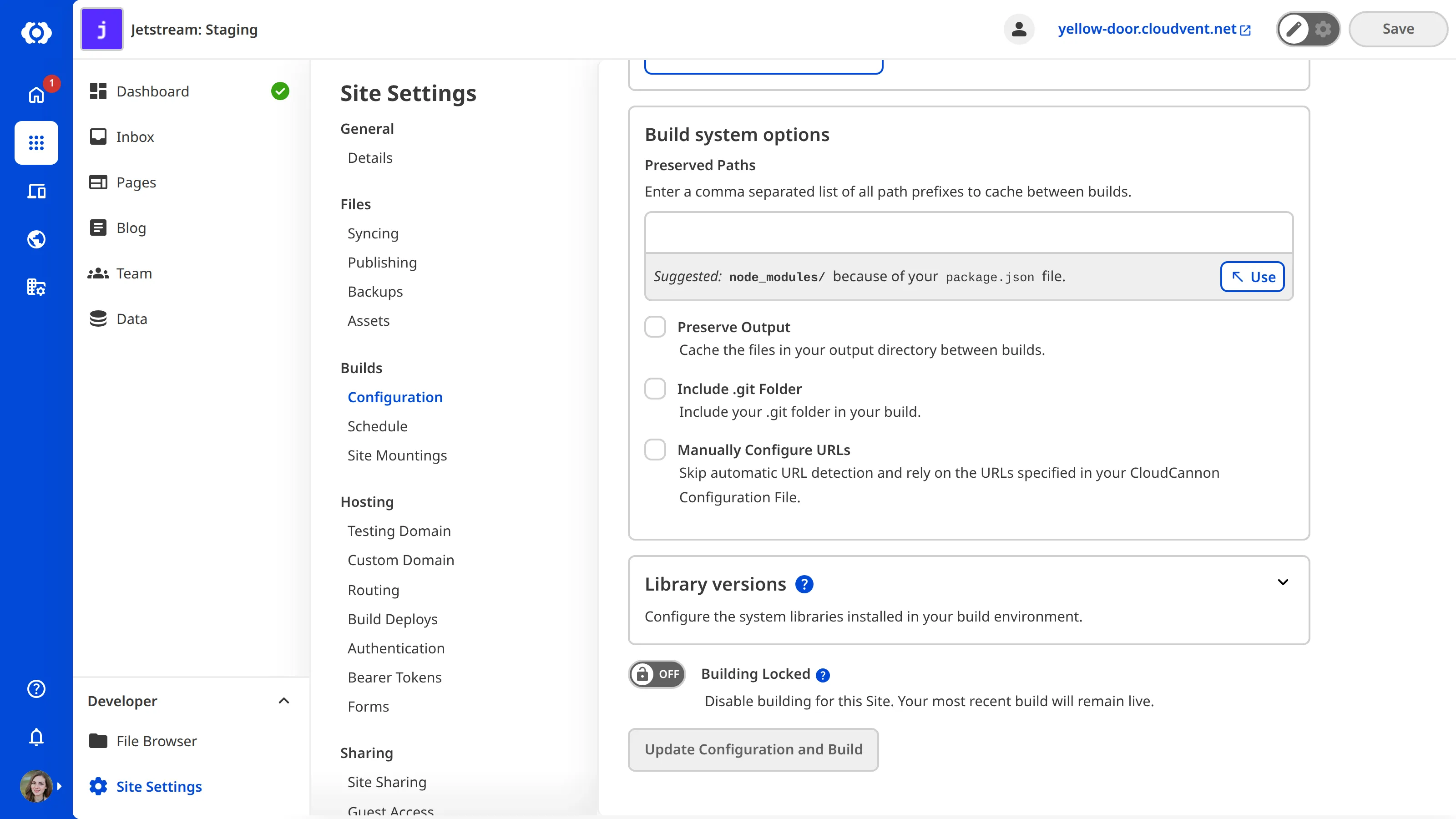
- Navigate to the Configuration page under Site Settings.
- Check the Manually Configure URLs checkbox under Build system options.
- Click the Update Configuration and Build button.
CloudCannon will immediately build your Site using the manually configured URLs.
If you would prefer to configure the output URLs for your Collections in the Source Editor or your local development environment, you can achieve the same configuration with the following code:
collections_config:
  blog:
    path: content/blog
    url: /travel/[slug].html
{
"collections_config": {
"blog": {
"path": "content/blog",
"url": "/travel/[slug].html"
}
}
}With automatic URL detection disabled, CloudCannon will use the explicitly configured output URL /travel/[slug].html for files in this Collection.