You can change the URL subpath for the Guest Login Page. You may need to do this if you already have a page at the subpath “/update”.
To change the URL subpath for the Guest Login Page:
- Navigate to the Guest Access page under Site settings.
- Click on the Settings tab.
- Enter the new subpath for the Guest Login Page in the URL subpath field.
- Click the Update button at the bottom of the page.
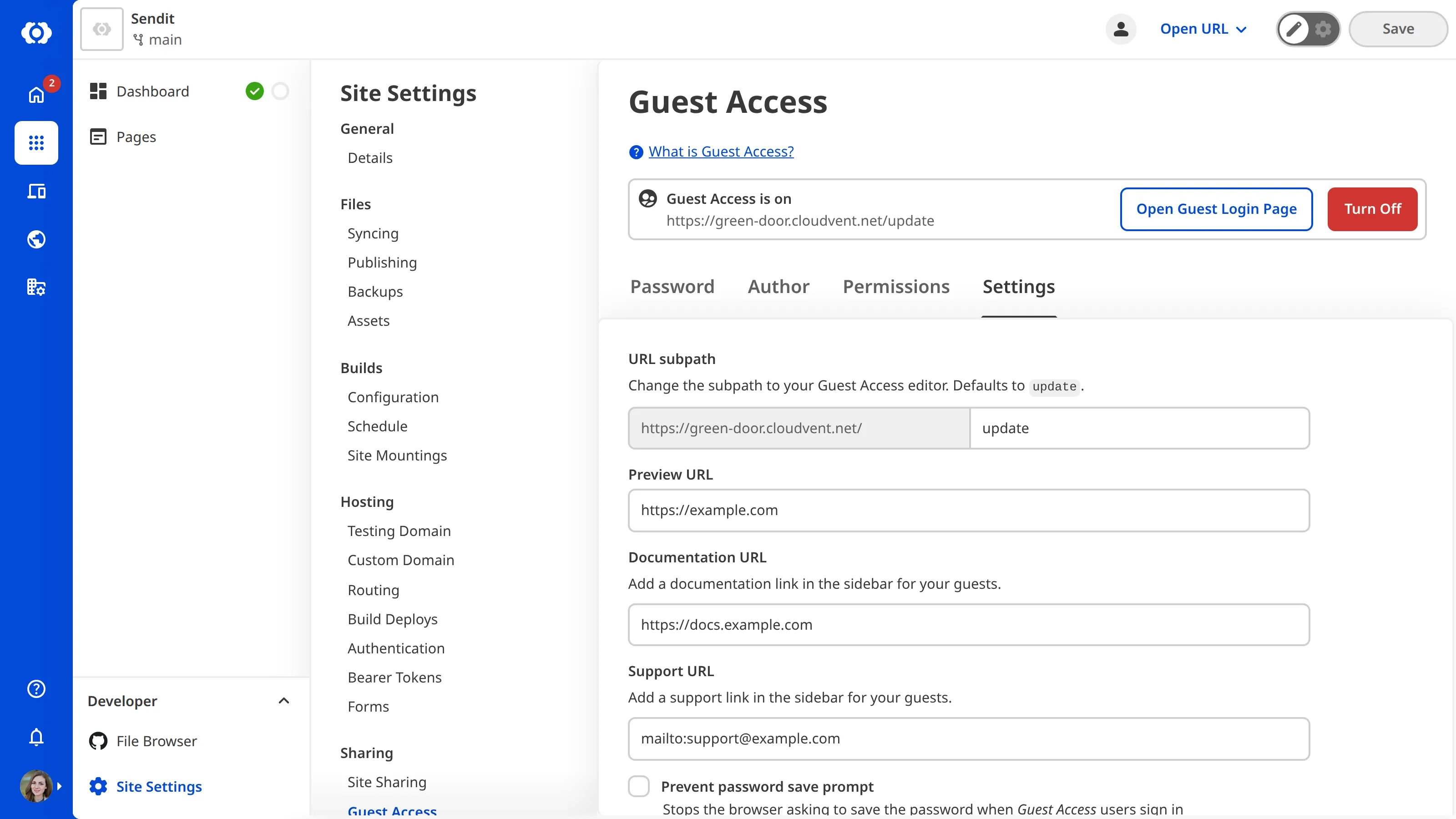
You can also prevent the Guest’s browser from asking to save the Guest Access password by ticking the checkbox for Prevent password save prompt at the bottom of the Settings tab.