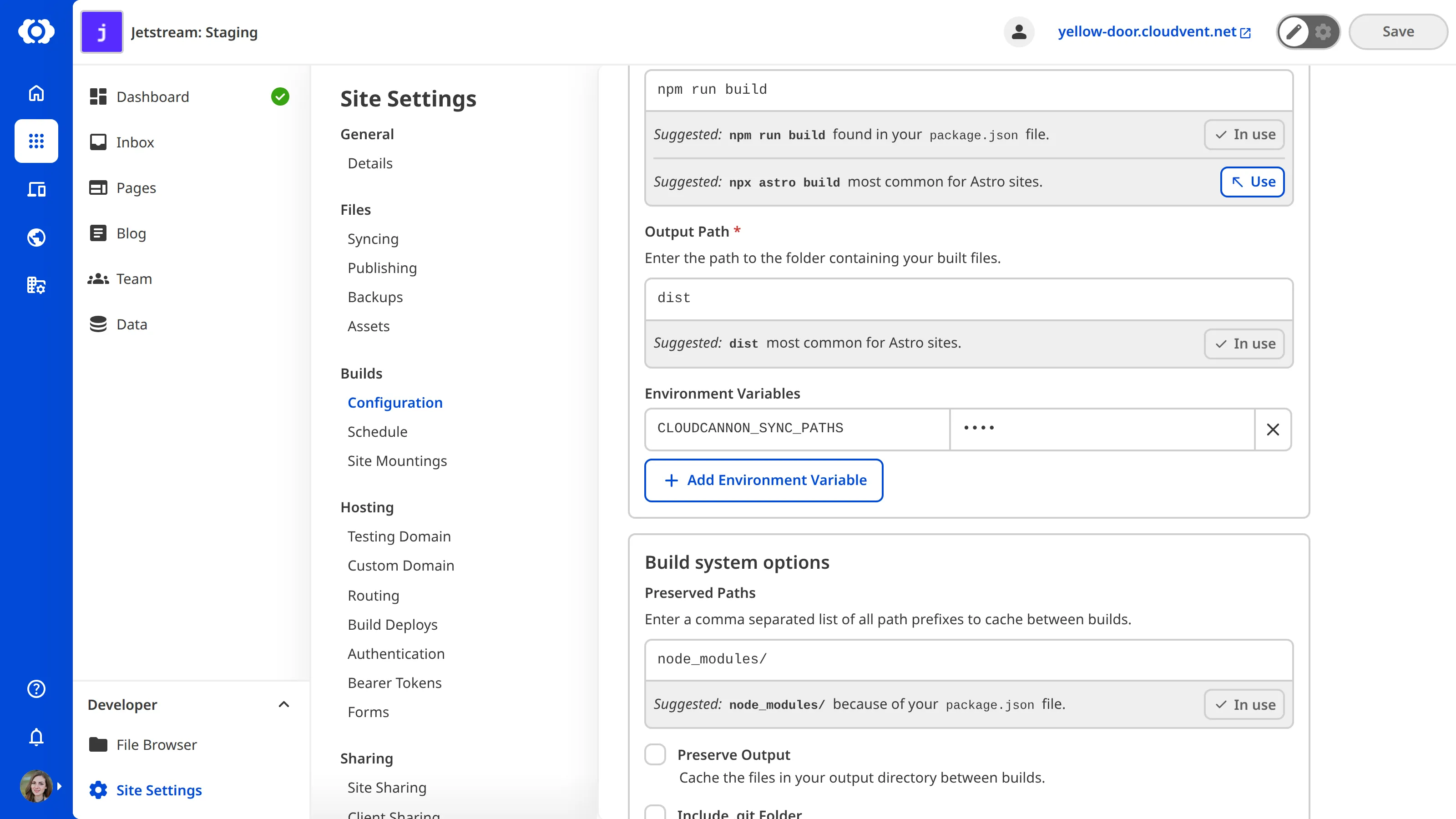
You can configure CloudCannon to commit built/generated files back to your source repository. This ensures that any generated files are consistent between CloudCannon and your source repository.
For example, if your site uses npm, you may want to automatically commit package-lock.json to your repository whenever it changes (e.g., by updating package.json).
SYNC_PATHS
To configure file updates:
- Navigate to Site Settings / Build
- Add a new environment variable called
CLOUDCANNON_SYNC_PATHS. - Add a comma-separated list of files and/or folders.
CloudCannon will use the value of this variable to determine which file's updates should be committed when your site builds. If you set a folder to be updated its entire contents will also be updated.