Projects are available on all plans. Site branching and Publishing Workflows are available on our Team or Enterprise plan.
Want to chat about whether this feature is right for you? Our support team is always happy to hear from you.
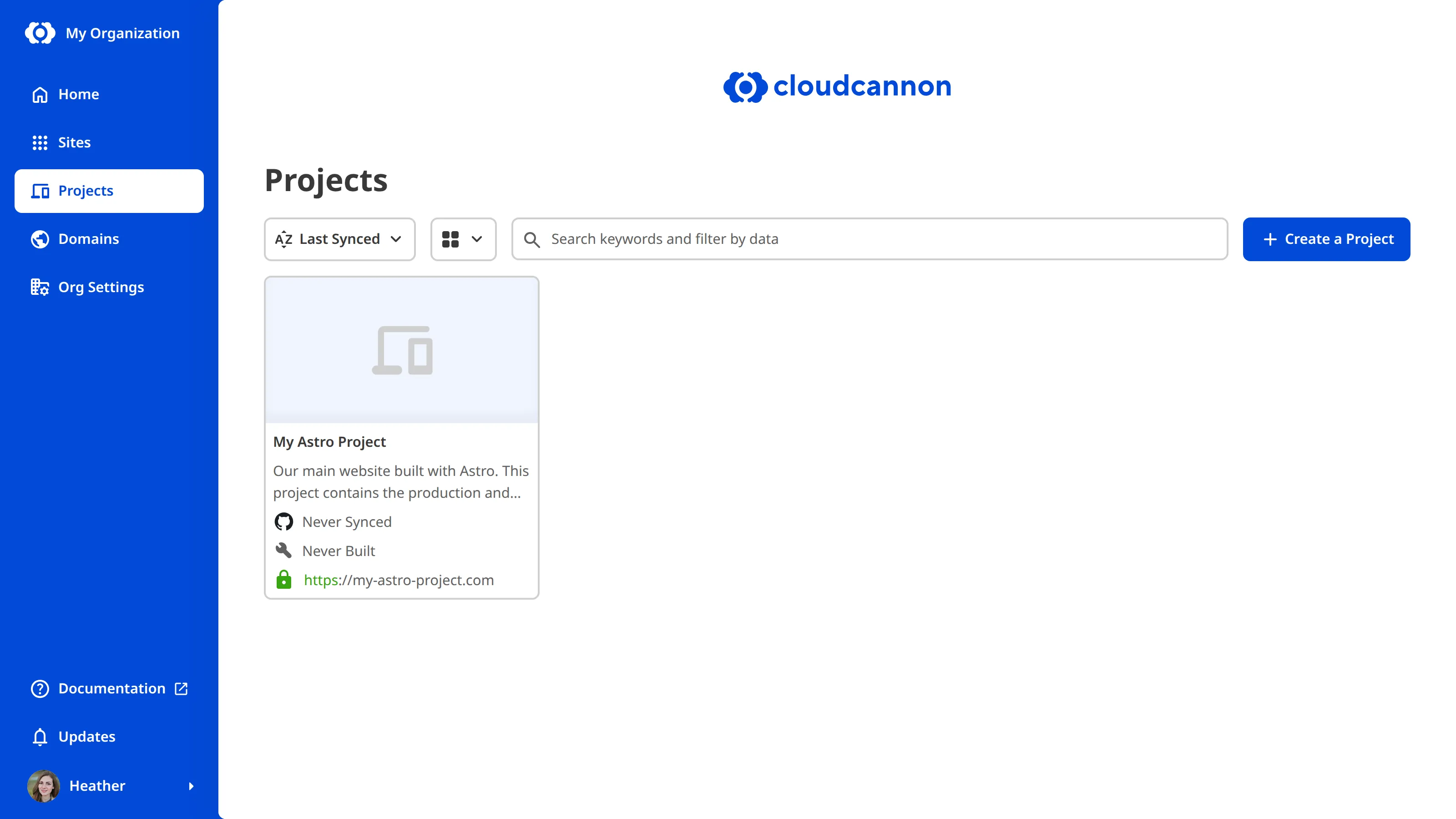
A Project A way to group multiple Sites from the same Git Repository, allowing you to define a main branch, as well as branching and publishing rules. You can access the Projects Browser using the Projects link in the App Sidebar. A website in CloudCannon that includes all the files, content, configuration, and settings needed to edit, build, and host a complete website.Project
Site
graph BT
  A["Site 3:<br/>Write a new blog"] -->|Publishes to| S["Site 2:<br/>Staging"]
  B["Site 4:<br/>Remove a product page"] -->|Publishes to| S
  C["Site 5:<br/>Update Site navigation"] -->|Publishes to| S
  S -->|Publishes to| P["Site 1:<br/>Production"]
You can access the Projects Browser using the Projects link in the App Sidebar. For a tour of the Project interface, including the Projects Browser, Project Sites Browser, Publishing tab, and Project Settings tab, please read our documentation on what the Project Browser is.
Why use a Project?#
Projects are useful when you want multiple Organization Members to work on content independently without affecting the live website. Common scenarios include:
- Create a Staging workflow — Maintain a Production Site for your live website and a Staging Site where your team previews changes. Organization Members create their own branched Sites from Staging to draft changes, then publish those changes to Staging for review before they go live on Production.
- Make content changes in parallel — Multiple Organization Members can create their own branched Sites from your Main Branch, work on changes independently, and publish their changes when ready.Glossary term
Main Branch
The branch in your Git Repository that represents your live or production content within a Project. The Main Branch determines where new branch Sites are created from and where changes are published to by default.
- Control Branch Defaults — Set the default Publishing Method, authentication, and permissions for all branched Sites in your Project using Branch Defaults.
Without a Project, you would need to configure each Site, its publishing settings, and its branching workflow individually.
For more information on Projects, please read our documentation on creating a Project or deleting a Project. For more information on how CloudCannon makes copies of Sites so Organization Members can work independently, please read our documentation on what branching is.