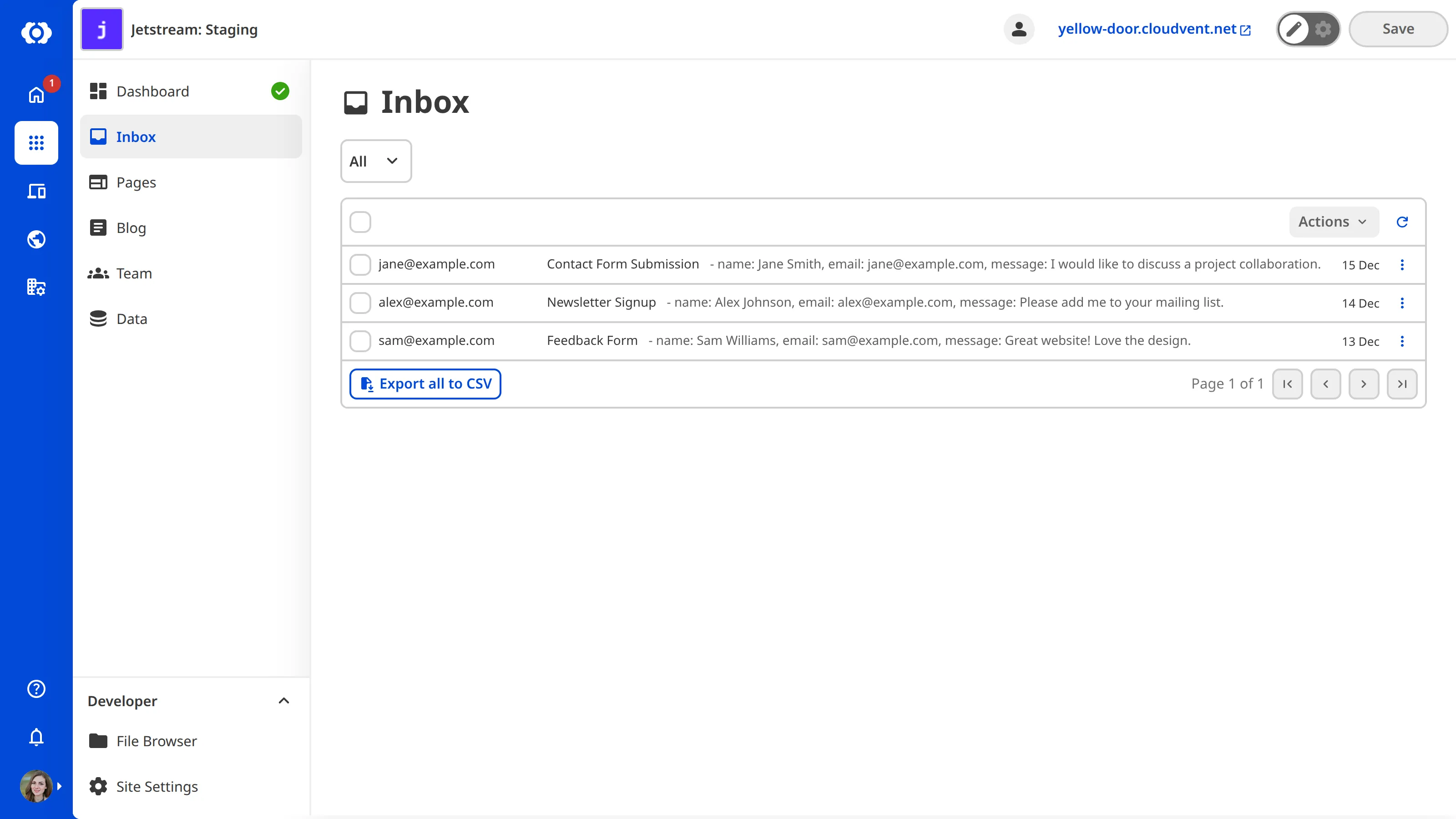
To export your Inbox submissions as a .csv file:
- Select the category tab you want to export.
- Click the Export button at the top of the Inbox. CloudCannon will generate your export.
- Click the Download CSV (generated [time]) button.
CloudCannon will download the submissions for the selected category. The button records when CloudCannon generated the export, so you can tell whether you are downloading a current file or one generated earlier.