Custom Organization branding is available on our Standard, Team, or Enterprise Plan.
Want to chat about whether this feature is right for your team? Our support team is always happy to hear from you.
You can customize your Organization A workspace in CloudCannon that groups together Sites, Organization Members, and shared resources. It is also the unit CloudCannon bills for. You can define permissions for your Organization, controlling the access each Organization Member has to resources on CloudCannon. You can create and be a part of multiple Organizations. The left-most UI panel in the CloudCannon app. This panel contains links to your Organization Home, Sites, Projects, Domains, and Org Settings pages, as well as app Updates and your Avatar.Organization
App Sidebar
Set your brand color#
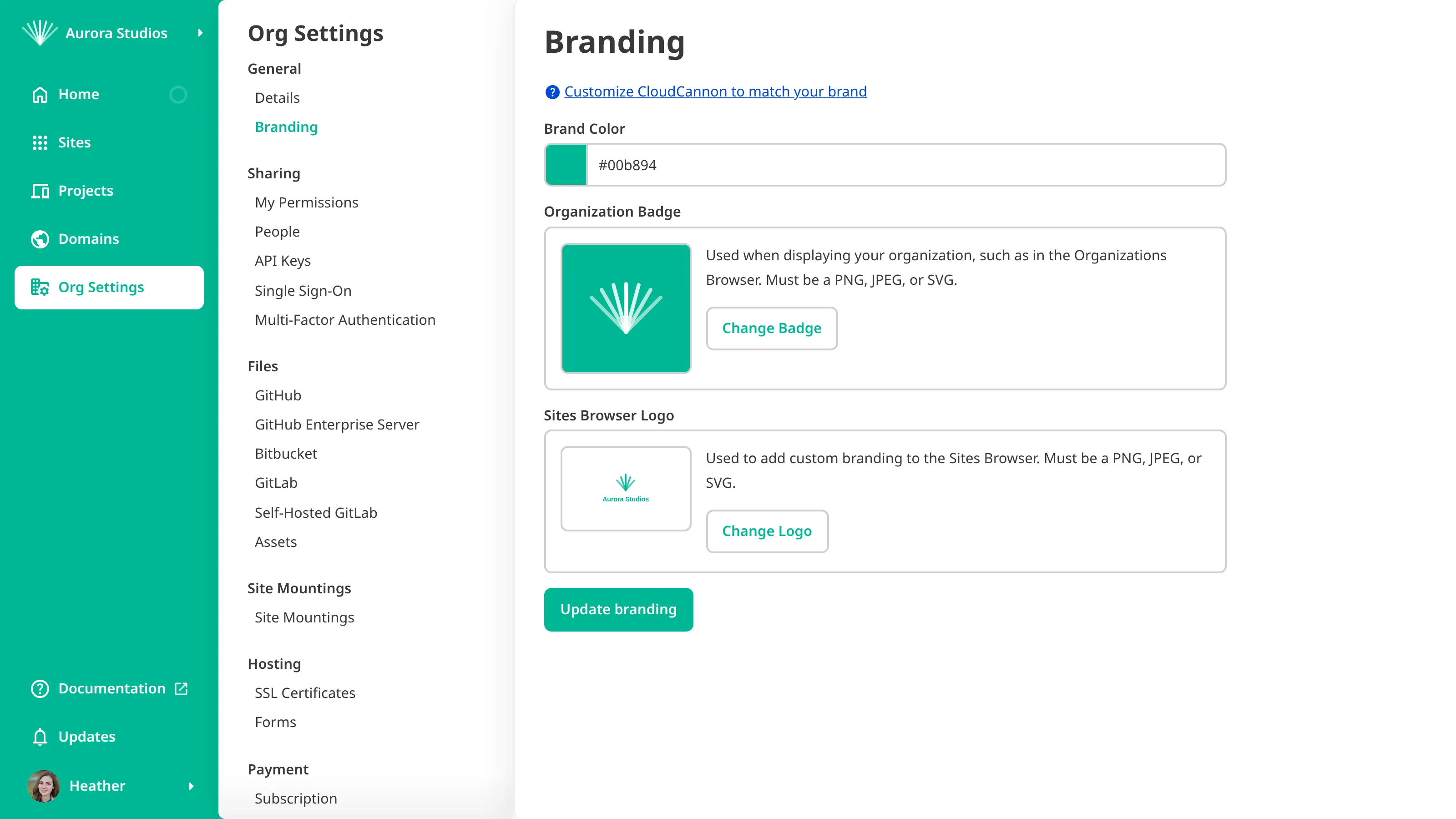
Your brand color sets the accent color used across CloudCannon. To set your brand color:
- Navigate to the Branding page under Org Settings.
- Choose a color in the Brand Color field.
- Click Update branding to confirm.
CloudCannon will save and apply your new brand color.
Add your brand assets#
You can add two brand assets on the Branding page. Each must be a PNG, JPEG, or SVG:
- Organization Badge — appears in the App Sidebar and wherever CloudCannon displays your Organization Card, such as in the Organizations Browser.
- Sites Browser Logo — adds custom branding to your Sites Browser.
To add a brand asset:
- Navigate to the Branding page under Org Settings.
- Click Change Badge or Change Logo and upload your image.
- Click Update branding to confirm.
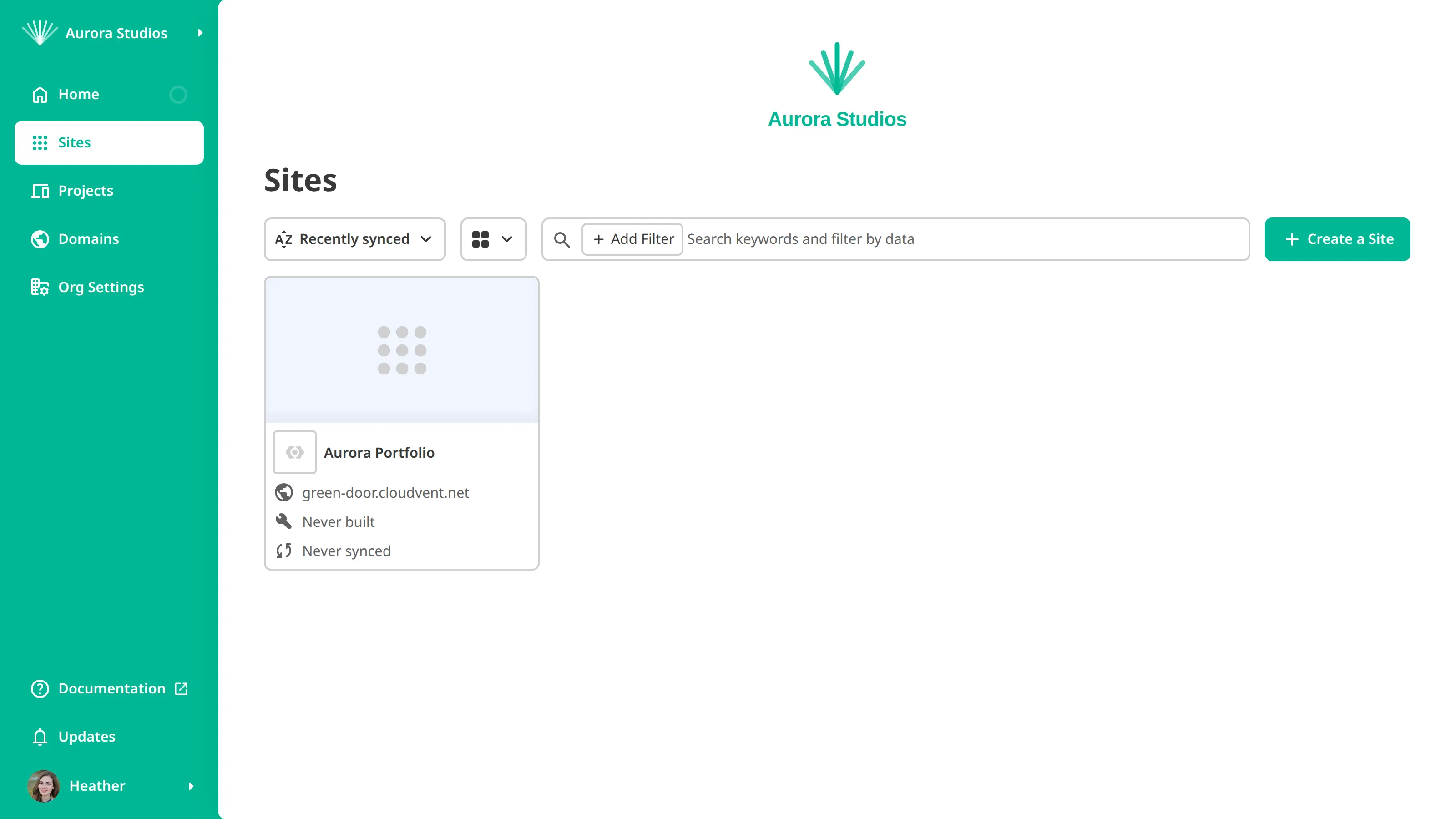
CloudCannon will show your Organization Badge in the App Sidebar and Organizations Browser, and your Sites Browser Logo above your Sites in the Sites Browser.
Brand a Client Organization#
If you manage Client Organizations A separate Organization that a Partner Organization manages but that the client uses and pays for. Client Organizations are part of the CloudCannon Partner Program and give each client their own team, billing, and login. Unlike Guest Access, which shares a single Site with someone who doesn't have a CloudCannon account, a Client Organization is a full, independent Organization.Client Organization