Your Organization A workspace in CloudCannon that groups together Sites, Organization Members, and shared resources. It is also the unit CloudCannon bills for. You can define permissions for your Organization, controlling the access each Organization Member has to resources on CloudCannon. You can create and be a part of multiple Organizations. The left-most UI panel in the CloudCannon app. This panel contains links to your Organization Home, Sites, Projects, Domains, and Org Settings pages, as well as app Updates and your Avatar.Organization
App Sidebar
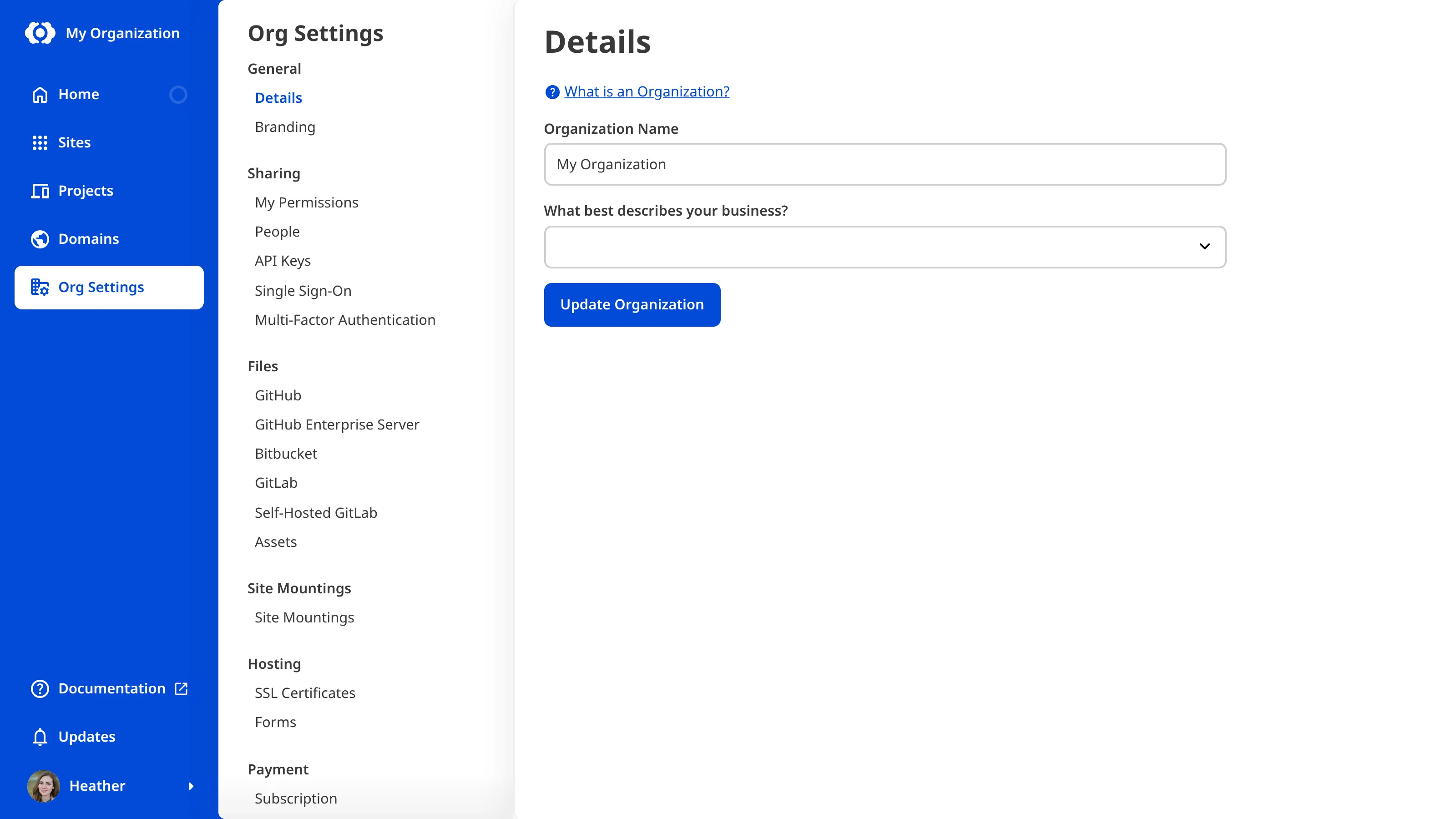
To rename your Organization:
- Navigate to the Details page under Org Settings.
- Update the name in the Organization Name field.
- Click Update Organization to confirm.
CloudCannon will save the new name and update it everywhere your Organization appears.
To customize your Organization's brand color, badge, and logo, please read our documentation on customizing your Organization branding.