Hosting Bandwidth is the total amount of data transferred from your hosted Site A website in CloudCannon that includes all the files, content, configuration, and settings needed to edit, build, and host a complete website.Site
How much bandwidth your Site uses depends on how many people visit it and how large your pages are. Media-heavy pages, large images, and file downloads use it fastest, while lightweight, text-based pages use the least. CloudCannon serves your Site through a Content Delivery Network (CDN), so returning visitors are often served cached copies, but all data served still counts toward your usage.
Each Subscription Plan A set of features available to your Organization, the monthly usage limits for resources, and the price you pay for access to those features and resources, monthly or annually. Each Organization in CloudCannon can have one Subscription Plan, and can update or cancel at any time.Subscription Plan
How much Hosting Bandwidth do I need?
The amount of data each webpage needs is measured in megabytes (MB), and mostly depends on how many image or media files are on the page and how optimized your website is. For example, a 4 MB webpage with several images or media files will serve around 25,000 page views with 100 GB of Hosting Bandwidth. Most optimized webpages are smaller than this, so a 100 GB bundle will go further.
What happens if I reach my bandwidth limit?#
If your Organization A workspace in CloudCannon that groups together Sites, Organization Members, and shared resources. It is also the unit CloudCannon bills for. You can define permissions for your Organization, controlling the access each Organization Member has to resources on CloudCannon. You can create and be a part of multiple Organizations. The extra usage charged when your Organization exceeds its plan's included limits and Overages are enabled. Overage usage appears on your next invoice.Organization
Overage
If Overages are disabled and you reach your limit, your Sites are taken offline for the remainder of the month or until you enable Overages. Visitors to your Custom Domains or Testing Domains will see an error message. For more information, please read our documentation on what Add-Ons and Overages are.
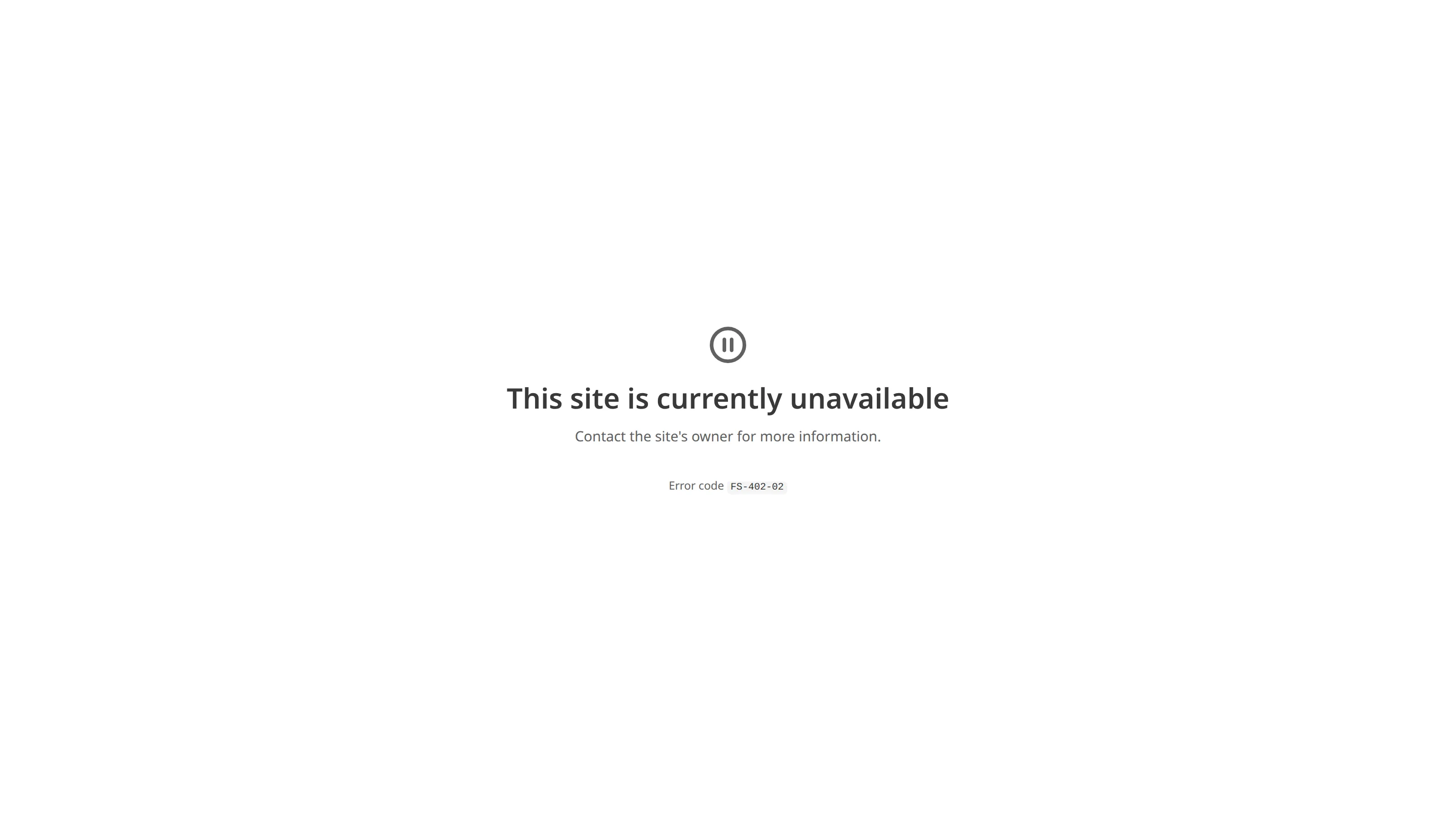
The page shows the error code FS-402-02, which identifies why it appeared.
Track your Hosting Bandwidth#
You can monitor your Hosting Bandwidth on the Usage tab, which shows your cumulative usage over the current month alongside your included limit. Checking it regularly helps you see when you are approaching your limit and decide whether to enable Overages, add capacity, or change your Subscription Plan.
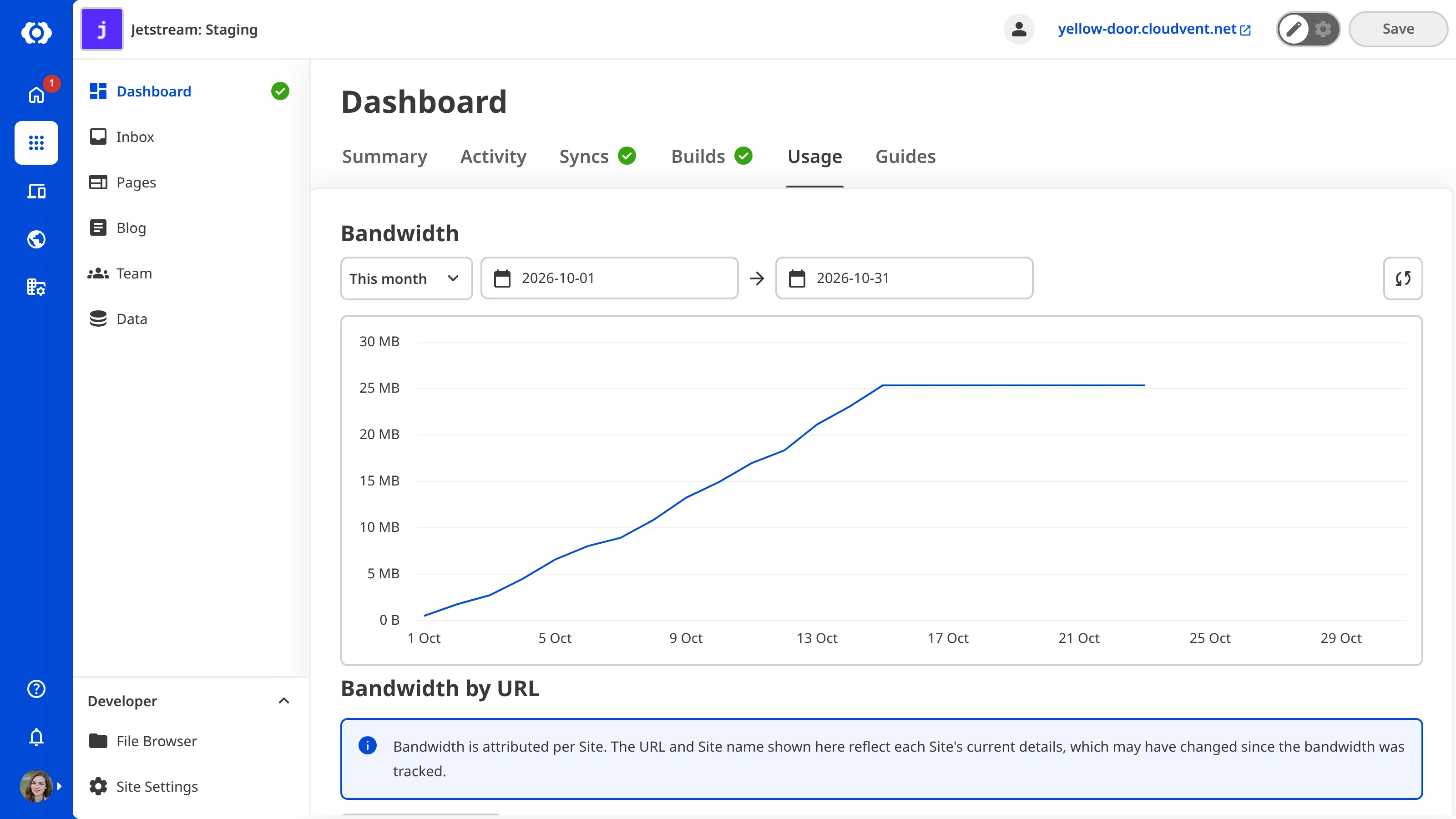
You can find usage in two places: the Usage tab on your Site Dashboard shows a single Site, and the Usage tab on your Organization Home page shows every Site in your Organization.