CloudCannon keeps a copy of each invoice on the Invoices page under Org Settings The settings page for a CloudCannon Organization, where organization administrators can manage organization-wide settings, including billing, team permissions, integrations, branding, and security policies. You can access this page using the Organization Settings link in the App Sidebar. A set of features available to your Organization, the monthly usage limits for resources, and the price you pay for access to those features and resources, monthly or annually. Each Organization in CloudCannon can have one Subscription Plan, and can update or cancel at any time.Org Settings
Subscription Plan
To download an invoice or receipt:
- Navigate to the Invoices page under Org Settings.
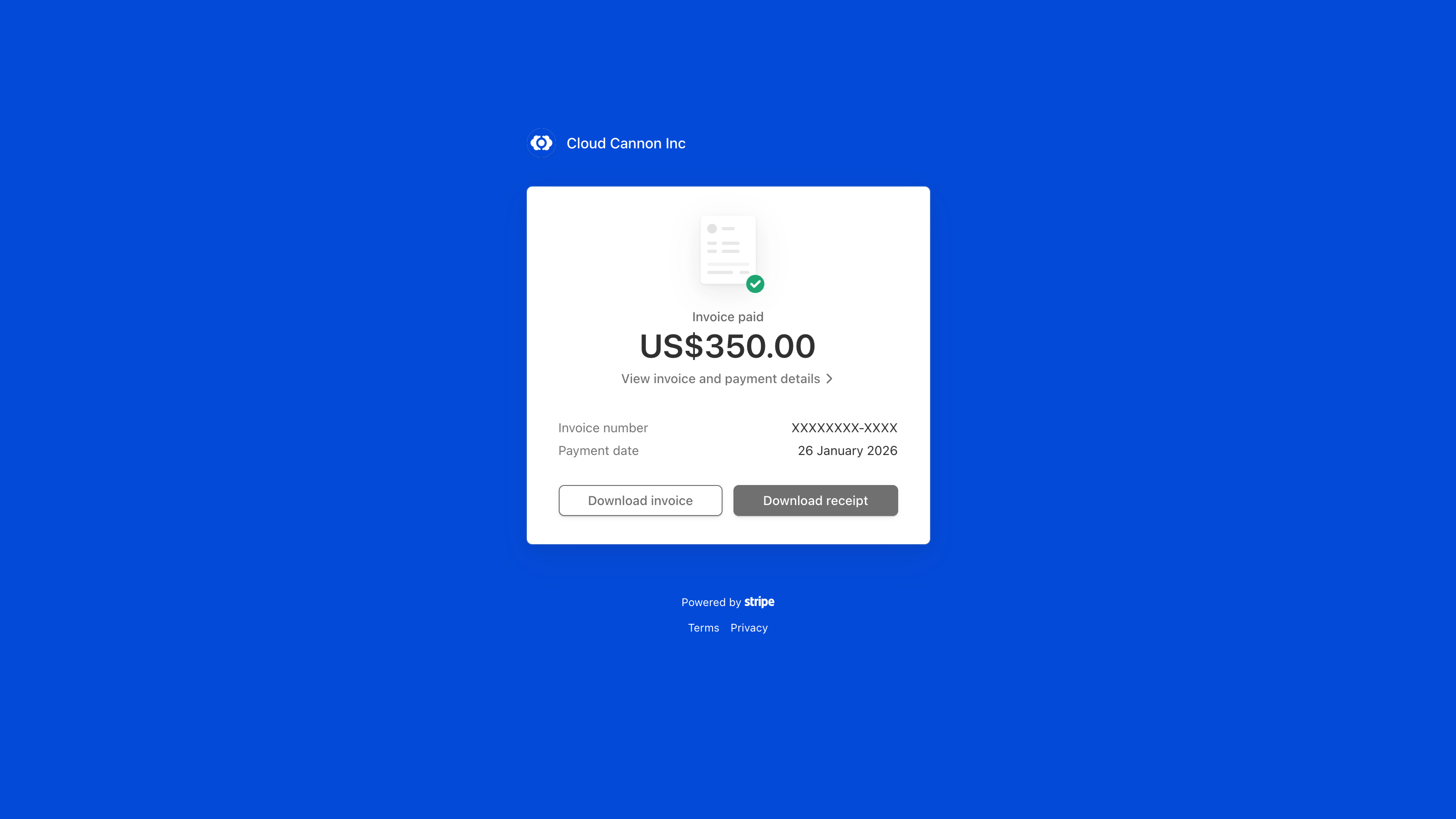
- Click the View more button for the invoice you want. CloudCannon opens that invoice on a Stripe page in a new tab.
- On the Stripe page, click the Download invoice or Download receipt button.
Your browser will download the invoice or the receipt as a PDF.
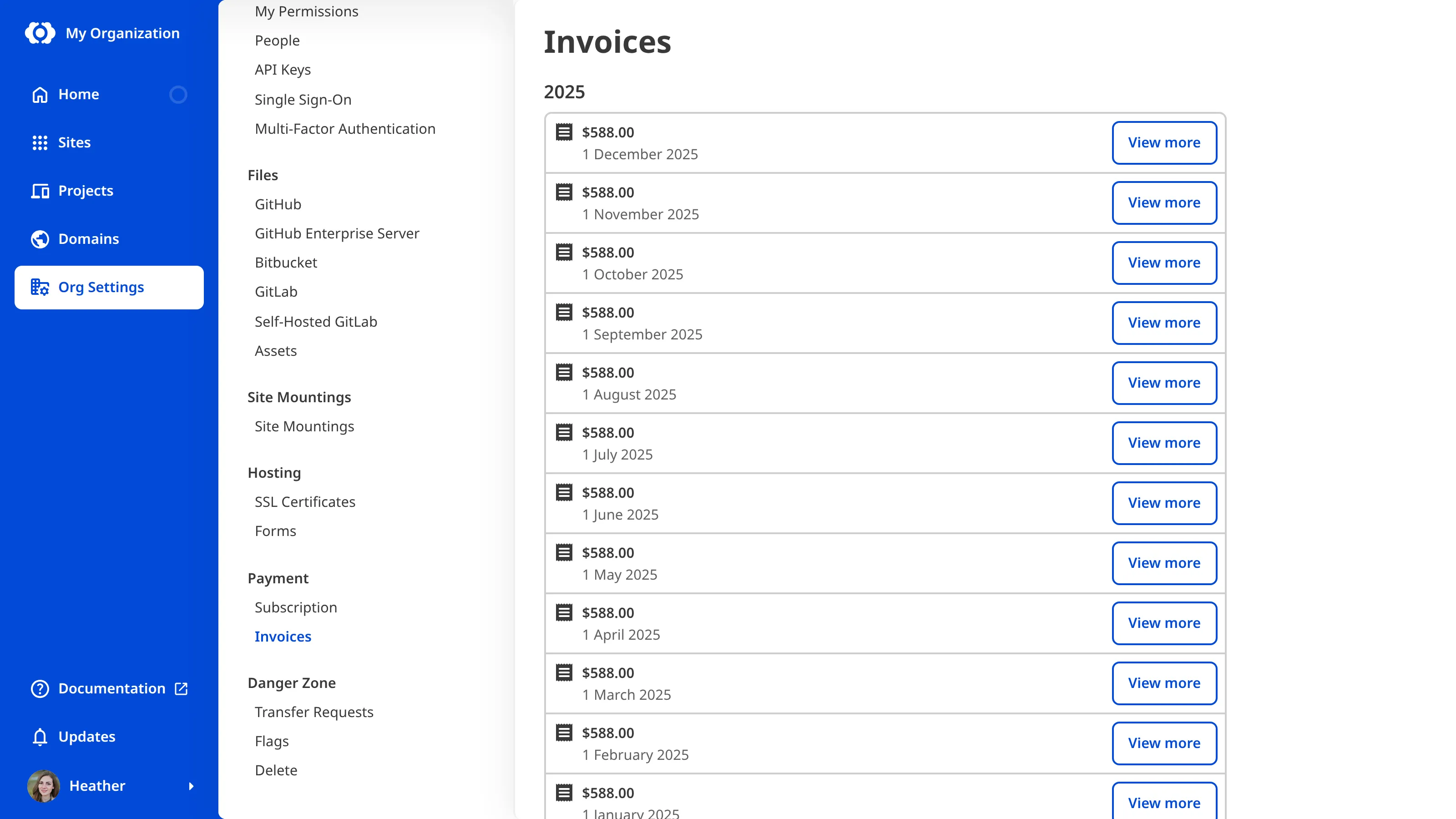
A recently issued invoice may show a Pending button until it is finalized. The View more button appears once the invoice is ready.
For a breakdown of what each charge means, please read our documentation on understanding your CloudCannon invoice.
To have CloudCannon email your invoices to you automatically, please read our documentation on adding billing contact information.
Enterprise Organizations use custom billing, and the CloudCannon team sends invoices to you directly. If your Organization is on the Enterprise Plan, contact us via support, Slack, or email.