A Publishing Method describes how CloudCannon moves saved changes from one Site A website in CloudCannon that includes all the files, content, configuration, and settings needed to edit, build, and host a complete website. The branch containing the copy of your website to which you want to publish your changes (sometimes called the "upstream" branch). Defining a Publish Branch allows Organization Members to work on separate branches in parallel before publishing their changes to a shared branch.Site
Publish Branch
Your developer can change your Publishing Method and choose the default Publishing Method for branched Sites in a Project by updating the Branch Defaults. For more information on publishing in general, please read our documentation on what publishing is and publishing changes to a Publish Branch.
Merge Immediately#
When you publish a Site configured with the Merge Immediately Publishing Method, CloudCannon sends your changes straight to the Publish Branch, with no review or approval required. This method is useful for smaller teams, or for changes that don't require approval.
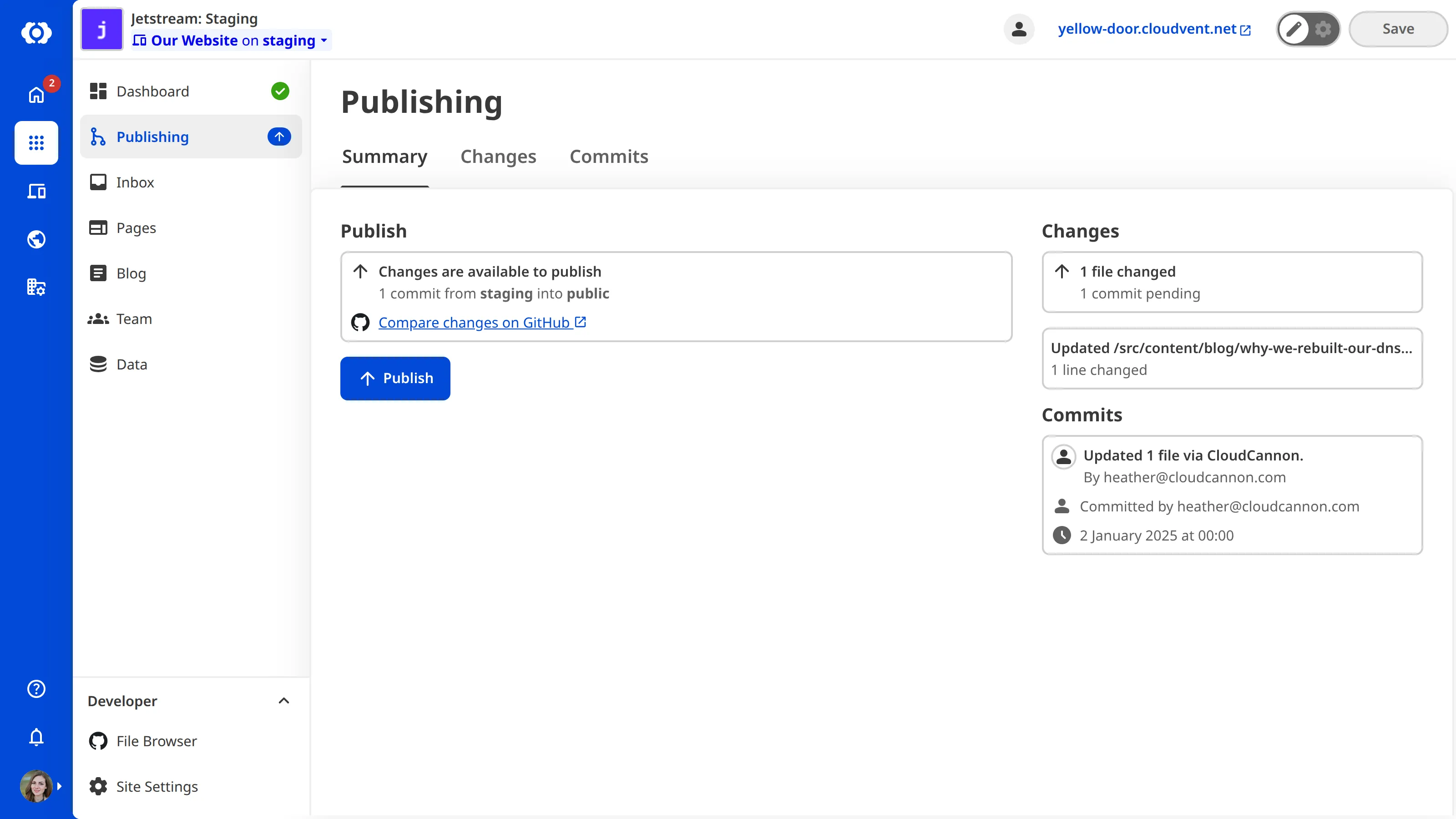
If your Site uses the Merge Immediately Publishing Method, the Publishing page will show a Publish button on the Publishing State Card.
Pull Request#
When you publish a Site configured with the Pull Request Publishing Method, you have to request approval to publish your changes. CloudCannon opens a Pull Request A Git feature that proposes changes to a repository and allows for review before merging. In CloudCannon, Pull Requests are one method of publishing changes from a Site to its Publish Branch. Unlike direct merging, Pull Requests require approval before changes are combined. A web-based service that hosts Git Repositories. CloudCannon supports GitHub, GitLab, and Bitbucket as Git Providers for syncing your website's code and content files.Pull Request
Git Provider
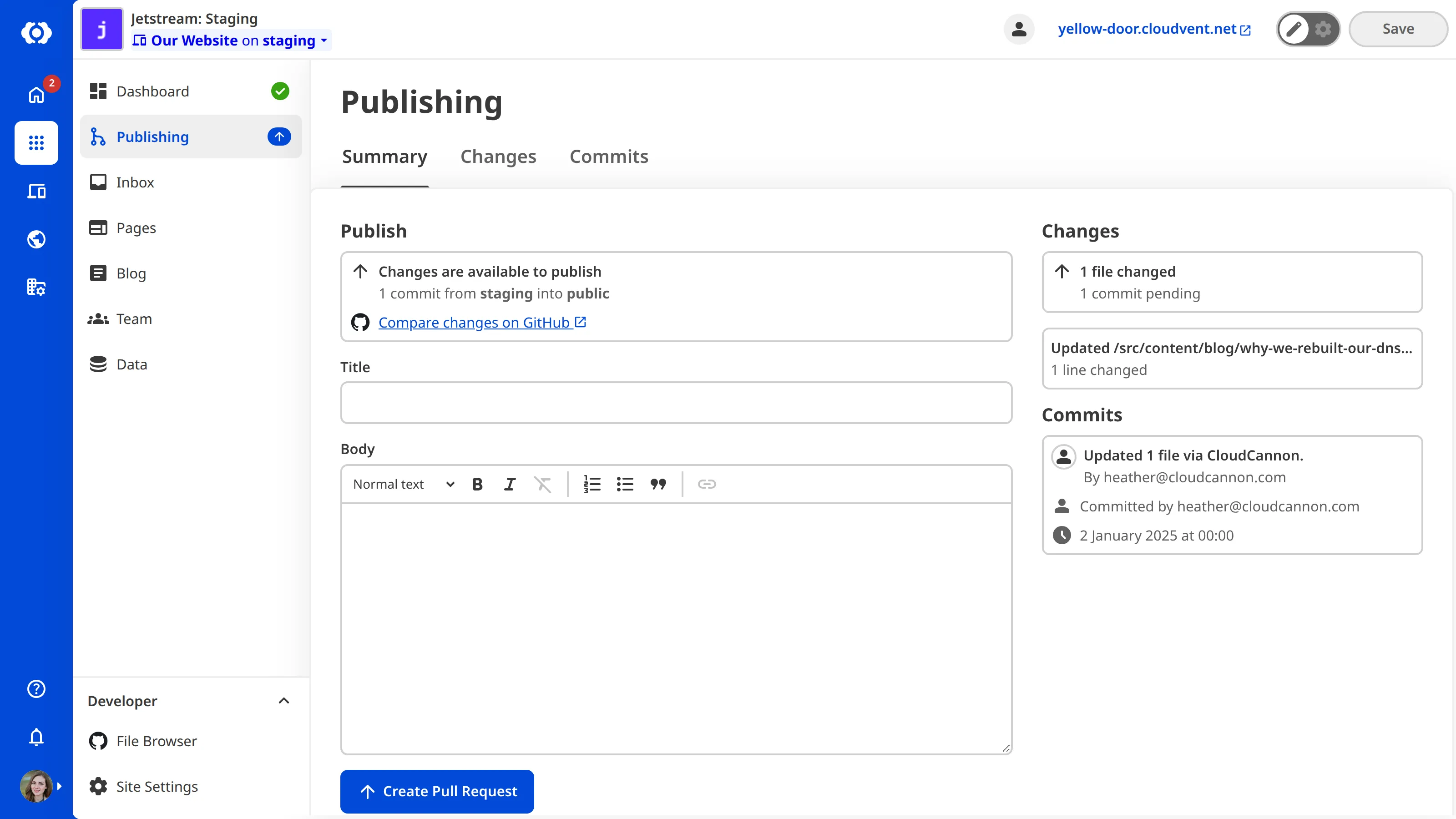
If your Site uses the Pull Request Publishing Method, the Publishing page will show a Create Pull Request button on the Publishing State Card, and fields for filling out information about the changes you want to publish.