Branching is available on our Team or Enterprise plan.
Want to chat about whether this feature is right for you? Our support team is always happy to hear from you.
Branching a Site A website in CloudCannon that includes all the files, content, configuration, and settings needed to edit, build, and host a complete website. A way to group multiple Sites from the same Git Repository, allowing you to define a main branch, as well as branching and publishing rules. You can access the Projects Browser using the Projects link in the App Sidebar.Site
Project
This article covers creating a branched Site inside an existing Project. If you need a brand new Site rather than a branched copy, your developer can set one up using our Getting Started with CloudCannon guide.
These instructions assume your developer has already created a Project for your website.
To create a branched Site:
- Click Projects in the App Sidebar.
- Select the Project you want to branch from. CloudCannon will open the Project Sites Browser.
- Click the Create a Site button in the top right.
- Enter a New Site name.
- Under Branch Setup, select Create a new branch.
- Choose your Source branch. By default, you can only branch from your Project's Main Branch. If your developer has turned on Allow all branching, you can choose any other Site in the Project.Glossary term
Main Branch
The branch in your Git Repository that represents your live or production content within a Project. The Main Branch determines where new branch Sites are created from and where changes are published to by default.
- (Optional.) Enter a New branch name if it should differ from the Site name. CloudCannon will use the Site name as the branch name by default.
- Click Create Site.
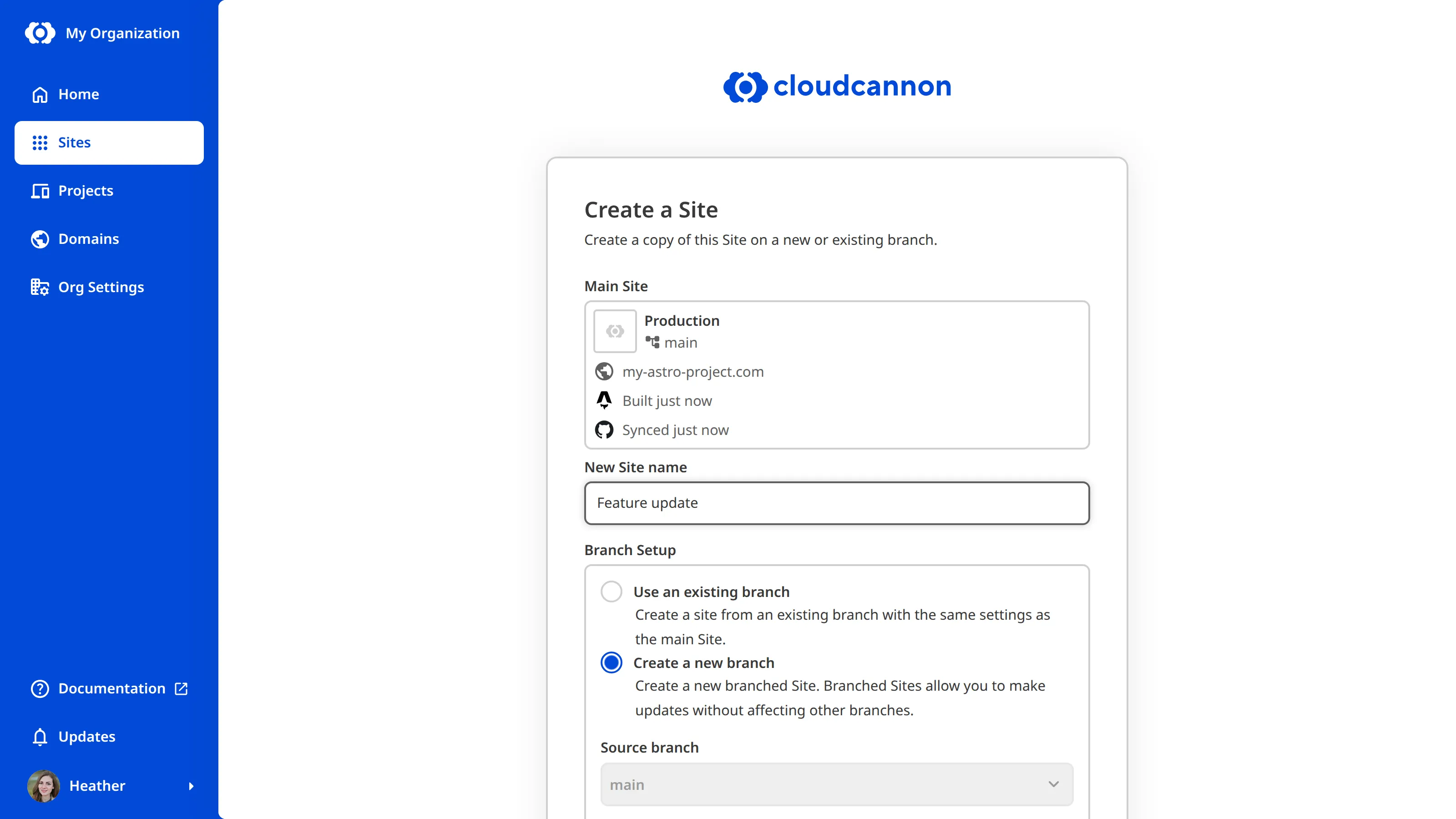
CloudCannon will copy the content, code, and settings from the Source branch and open the new branched Site. Any changes you make on the branched Site stay separate from any other Site until you publish them back. Your new Site inherits settings from the Source branch, such as the Publish Branch The branch containing the copy of your website to which you want to publish your changes (sometimes called the "upstream" branch). Defining a Publish Branch allows Organization Members to work on separate branches in parallel before publishing their changes to a shared branch.Publish Branch