Setting the Main Branch The branch in your Git Repository that represents your live or production content within a Project. The Main Branch determines where new branch Sites are created from and where changes are published to by default. A way to group multiple Sites from the same Git Repository, allowing you to define a main branch, as well as branching and publishing rules. You can access the Projects Browser using the Projects link in the App Sidebar. A website in CloudCannon that includes all the files, content, configuration, and settings needed to edit, build, and host a complete website.Main Branch
Project
Site
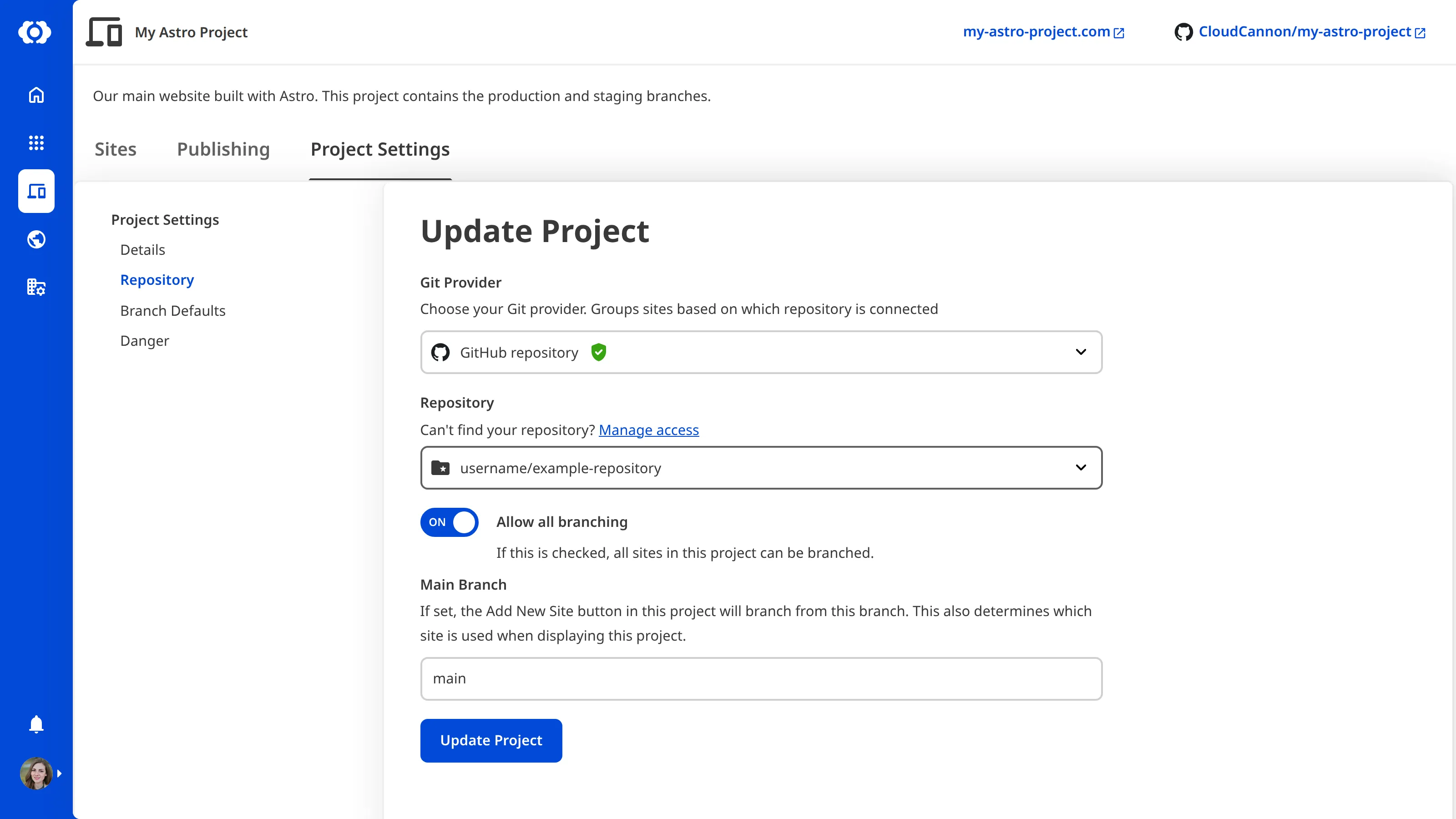
To set or update the Main Branch:
- Click the Projects button in the App Sidebar. CloudCannon will open the Projects Browser.
- Select the Project you want to update by clicking on the Project Card. CloudCannon will open the Project Sites Browser.
- Navigate to the Repository section under the Project Settings tab.
- Scroll down to the Main Branch text field and enter the name of the branch you want to use as your Main Branch.
- Click the Update Project button.
CloudCannon will update your Project to use the new Main Branch for all new Sites when you use the Create a Site button.