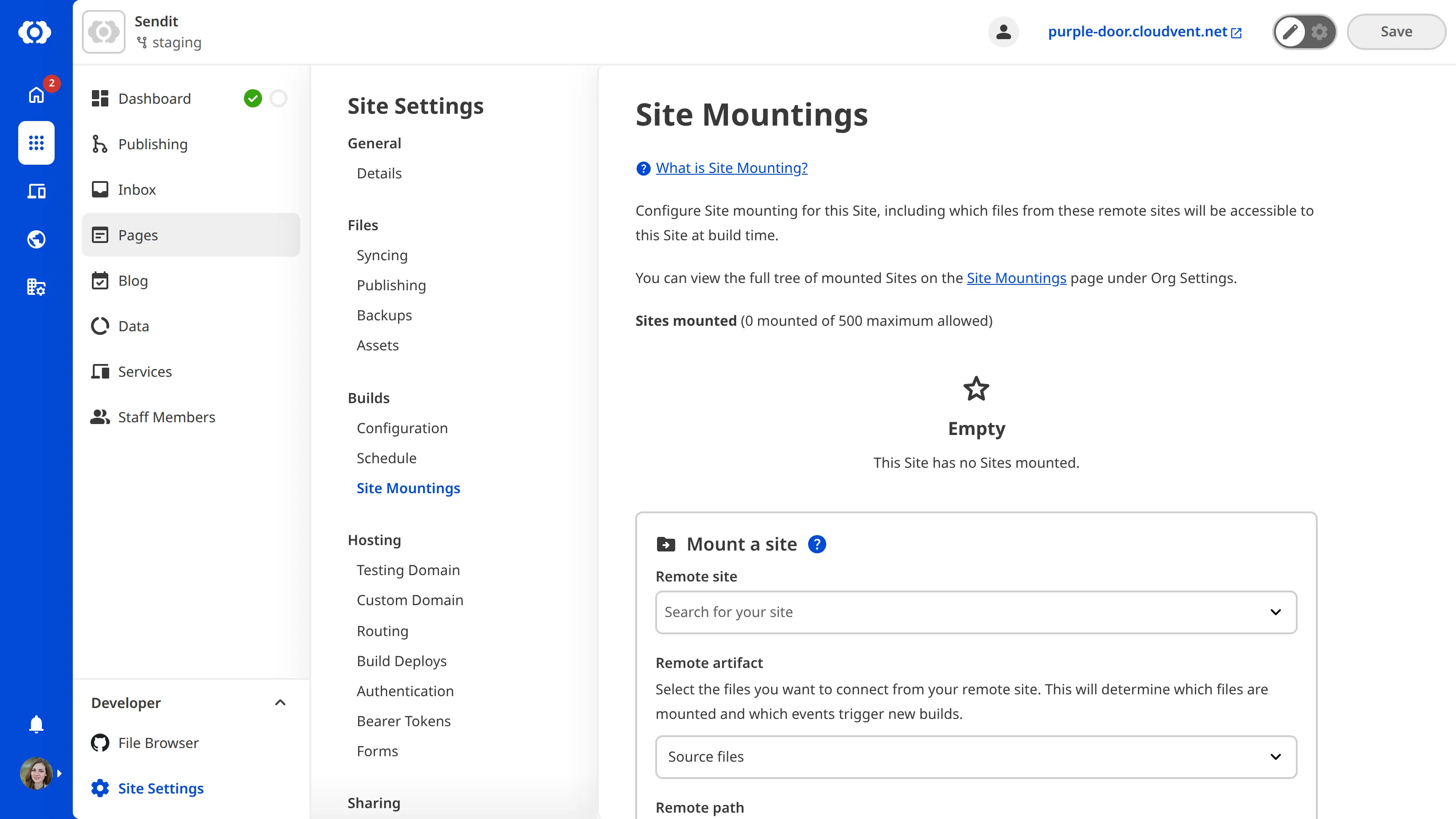
You can customize your settings on the Site Mountings page.
To mount a site:
- Open the local site.
- Navigate to Site Mountings under Site Settings.
- Select your Remote Site. This site must be within the same Organization as the Local Site.
- Select your Remote artifact, Remote path, and Local path.
- Click the Mount site button.
- CloudCannon will add the site to your Sites mounted list.