You can prevent a branched site from publishing content to another site. To disable publishing, disconnect the branched site from your publish site.
Navigate to the Publishing tab under Site Settings and click Remove Publish Branch. Click again to confirm.
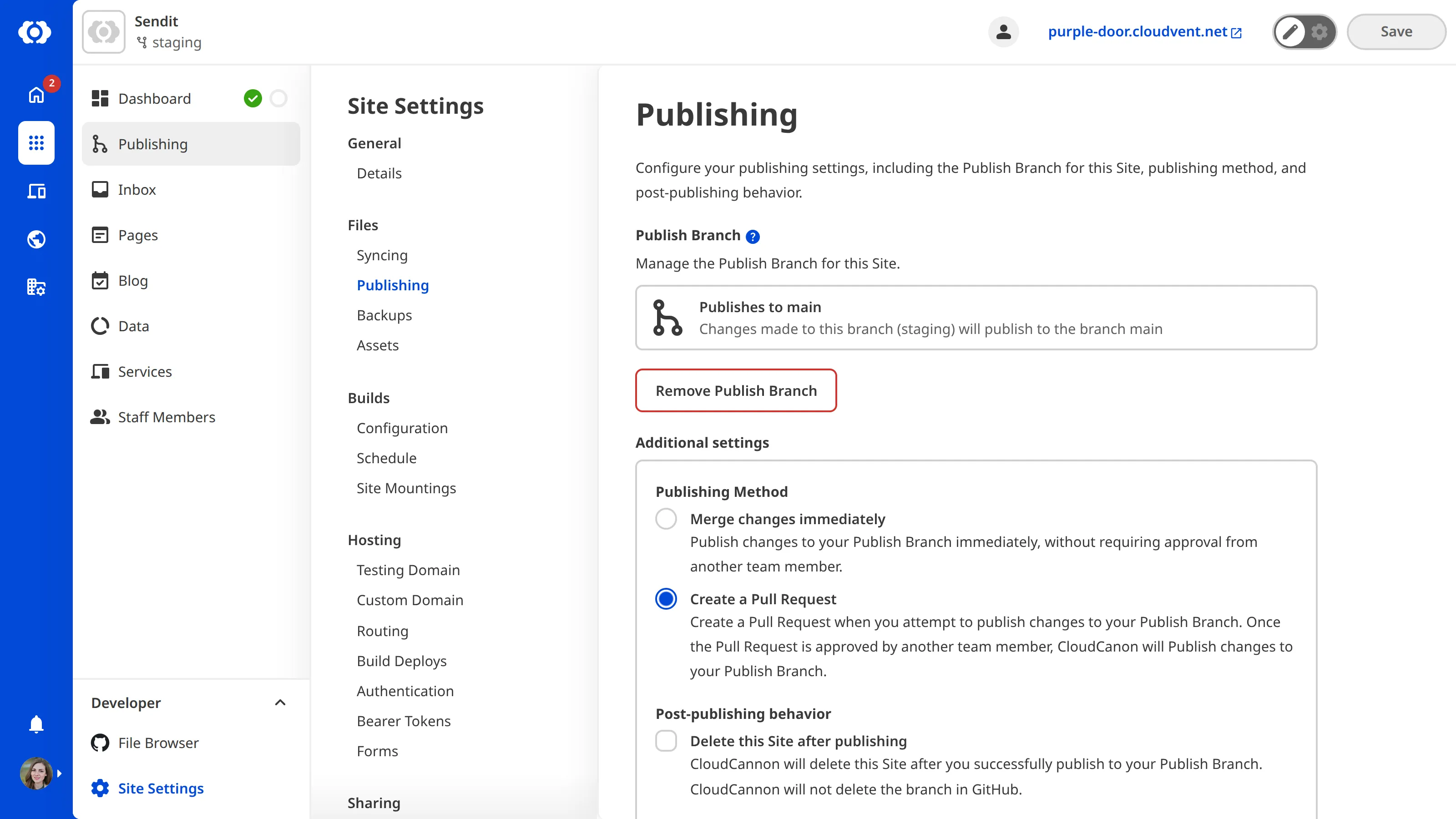
Once your sites are disconnected, CloudCannon will remove the Publish button from the sidebar.