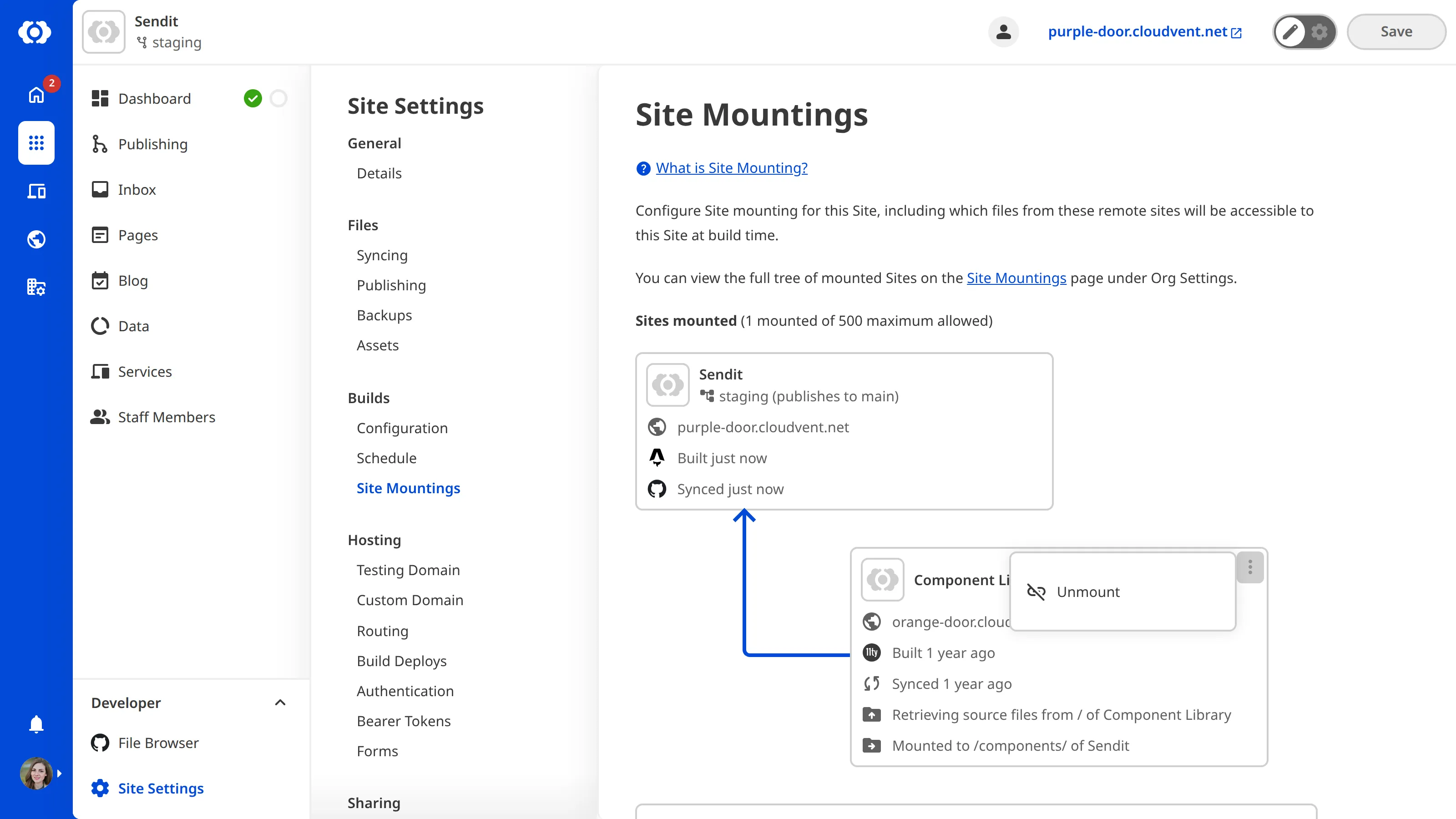
You can customize your settings on the Site Mountings page.
To remove a mounted site:
- Open the local site.
- Navigate to Site Mountings under Site Settings.
- Identify the mounted site you want to remove and click the Context Menu icon in the top right corner.
- Click the Unmount button.
- On the Confirm unmount site pop-up window, click Unmount. Click again to confirm.
- CloudCannon will remove the site from your Sites mounted list.