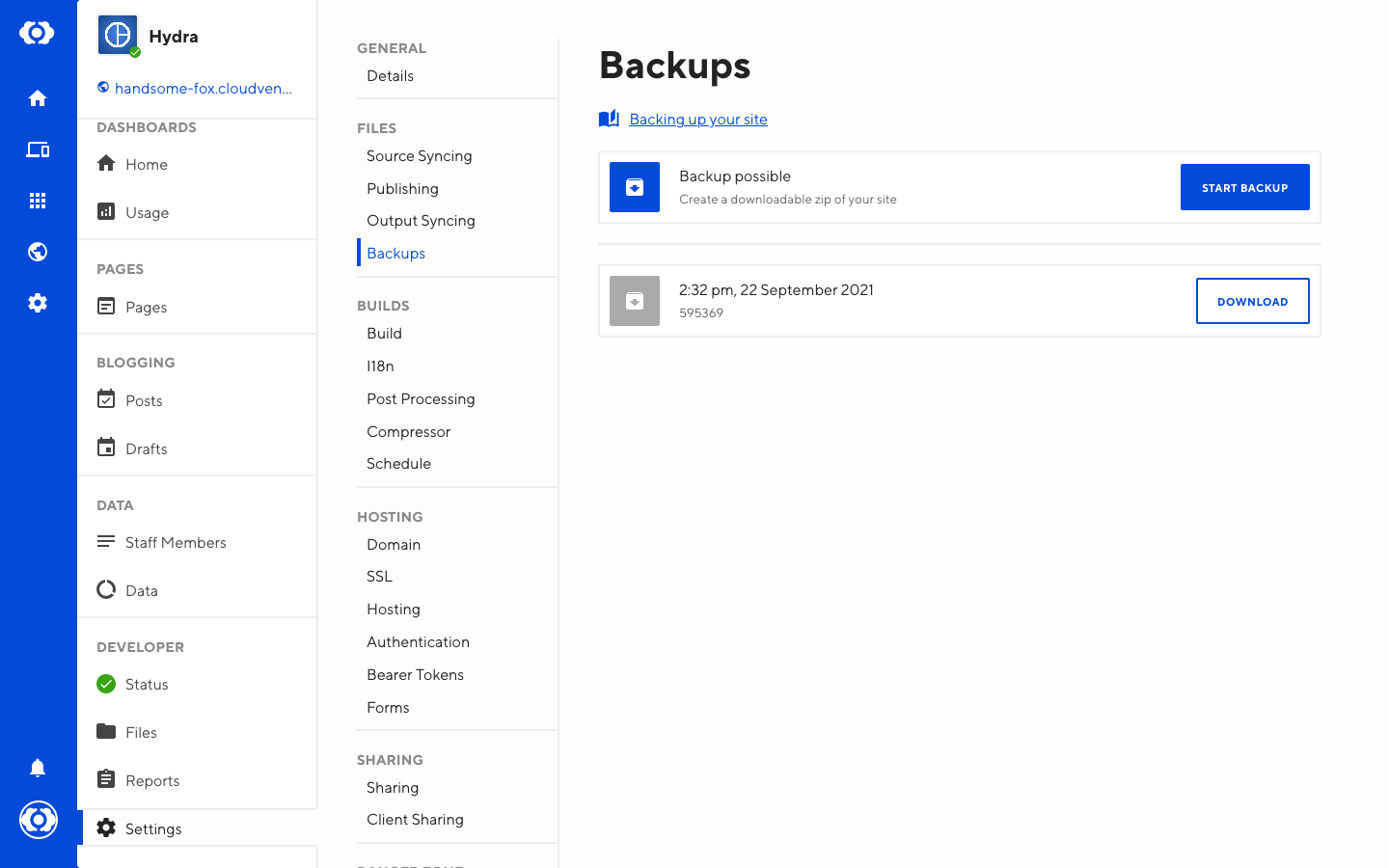
If you would like to create a new backup of your source files, navigate to Site Settings / Backups and click Start Backup.
When a backup is ready to download, it will show up on this page. You can have multiple backups from different points in time.
Click the Download button on your desired backup to download a zip of your source files, as they were at the specified date and time.