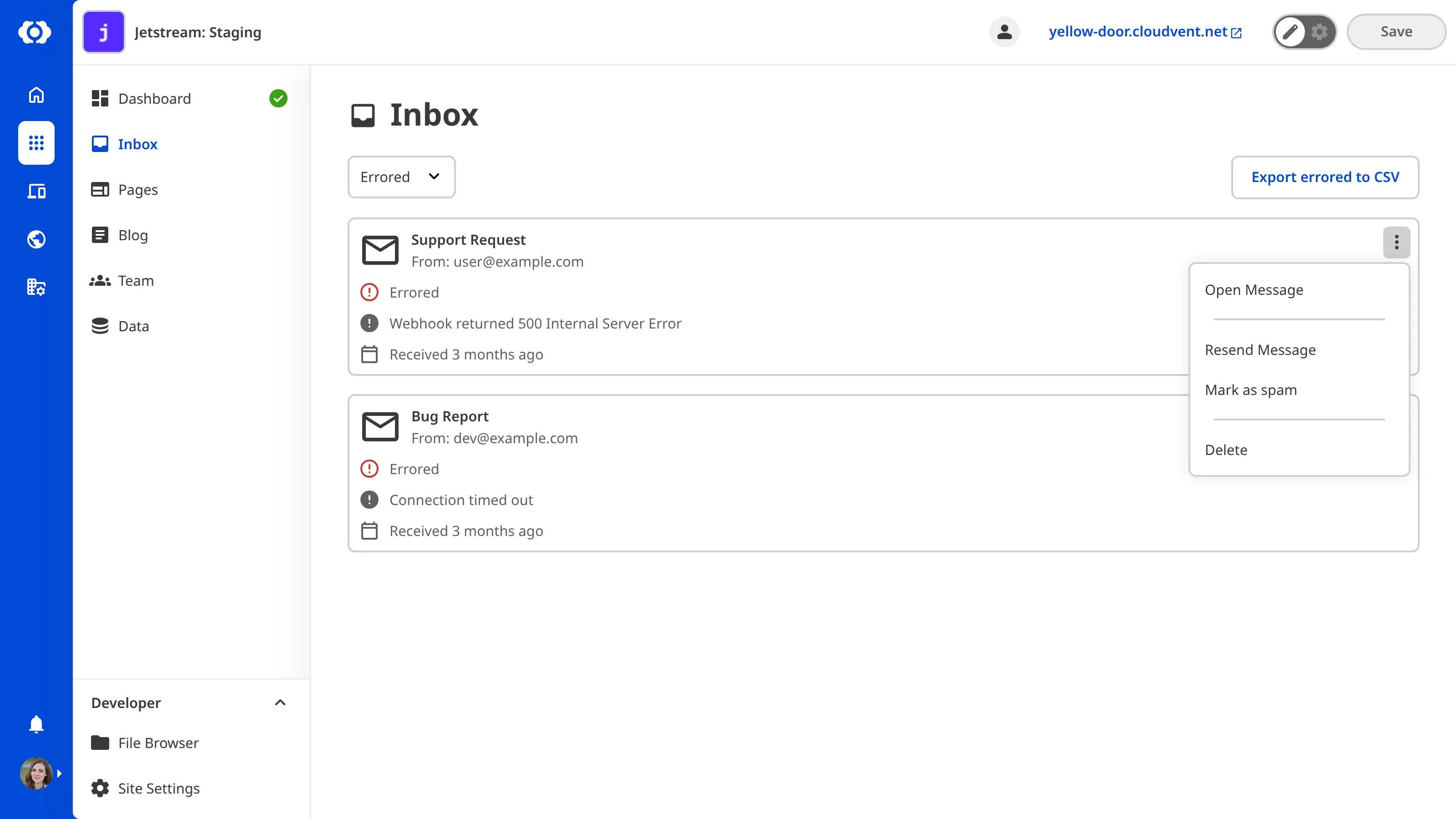
Sometimes a submission fails to send to one or more targets. These submissions appear in the Errored category. A common reason for errored submissions is an incorrectly configured target. For more information, please read our documentation on connecting your Site to an Inbox.
To resend an errored submission:
- Navigate to the Errored category tab in your Inbox.
- Open the context menu for the submission by clicking the three dots.
- Select Resend.