CloudCannon runs your form submissions through a spam filter. Submissions flagged as spam are hidden from your Sent category.
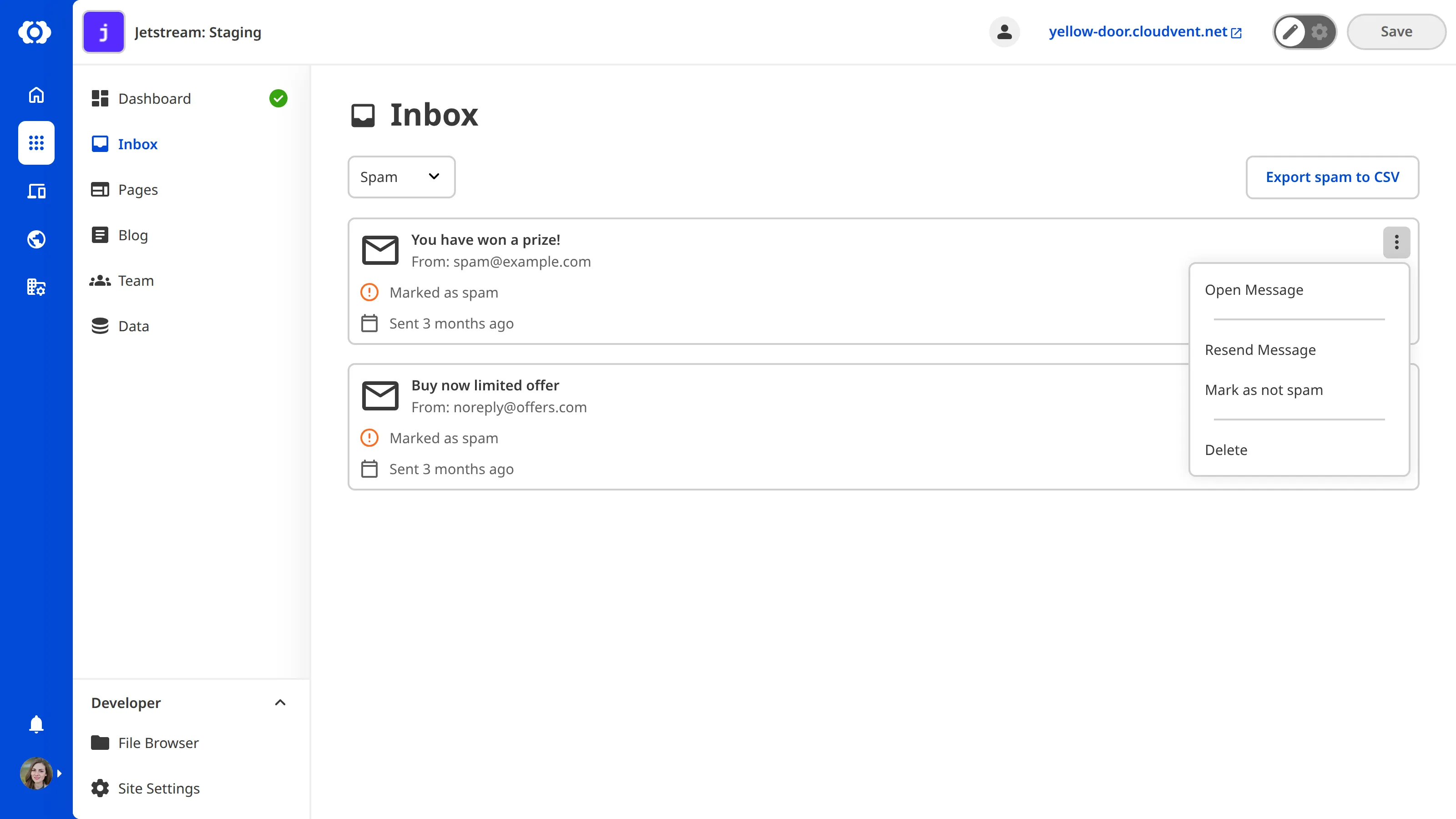
To mark a spam submission as not spam:
- Navigate to the Spam category tab in your Inbox.
- Open the context menu for the submission by clicking the three dots.
- Select Mark as not spam.
CloudCannon will move the submission to Sent.
To mark a submission as spam:
- Open the context menu for the submission by clicking the three dots.
- Select Mark as spam.
Marking submissions as spam or not spam helps the spam filter improve over time.