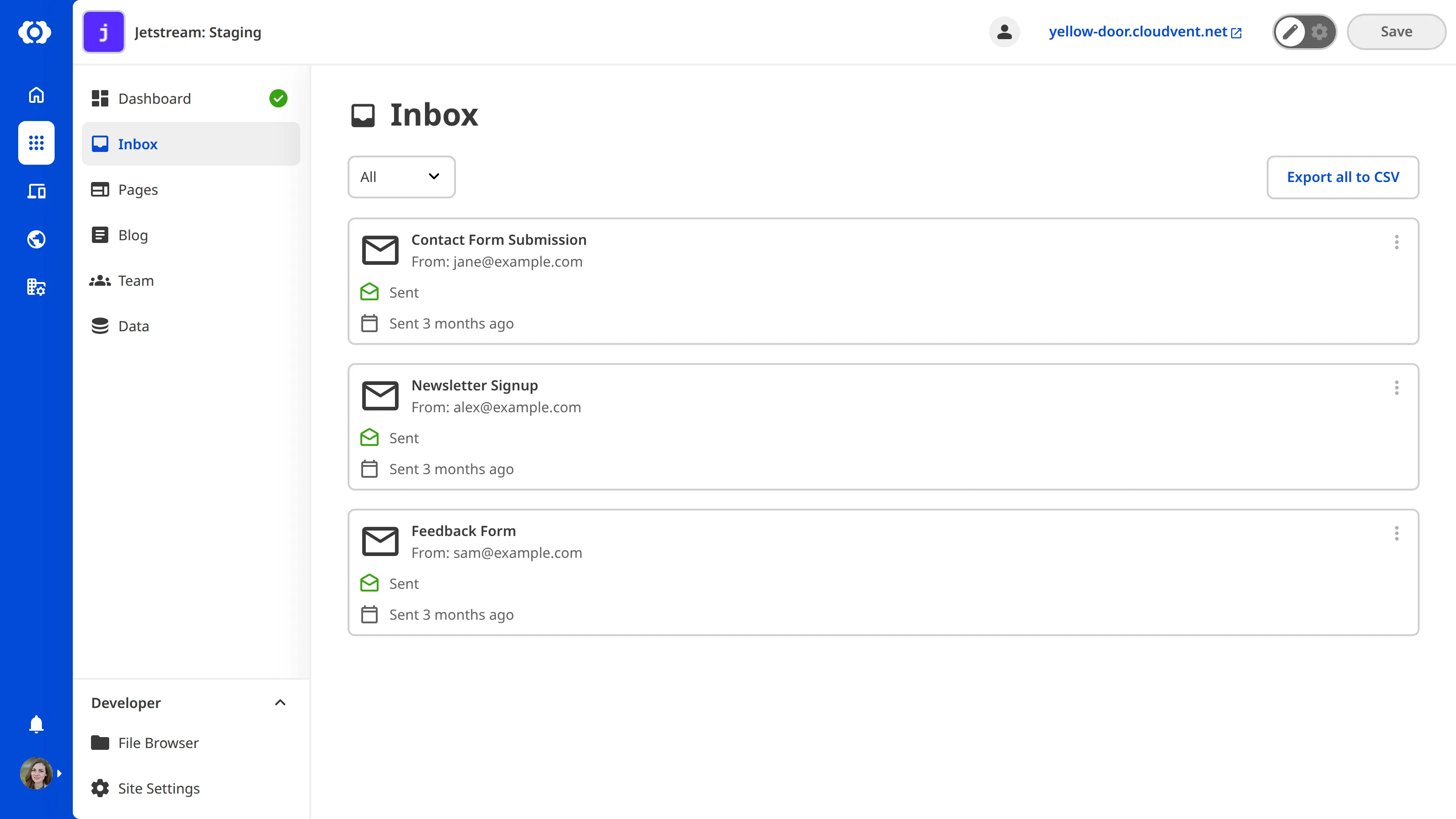
To export your Inbox submissions as a .csv file:
- Select the category tab you want to export.
- Click the Export button at the top of the Inbox.
CloudCannon will download the submissions for the selected category.
Last modified: April 2nd, 2026
To export your Inbox submissions as a .csv file:
CloudCannon will download the submissions for the selected category.