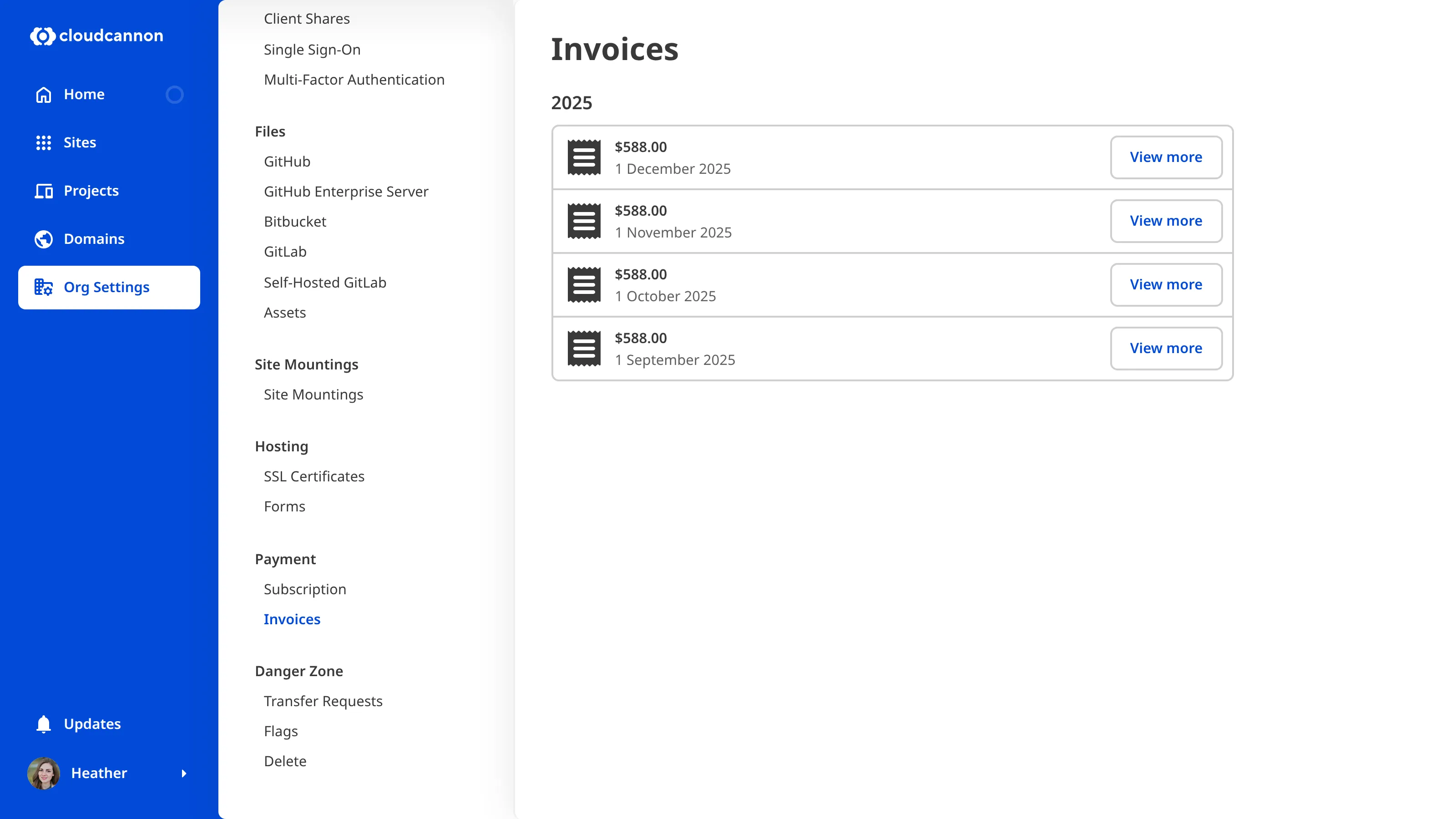
CloudCannon keeps a record of your billing history in the form of invoices. You can add your billing details to invoices and set your invoices to email automatically.
Accessing your invoices
You can access a complete list of all your invoices for your Organization A workspace in CloudCannon that groups together Sites, team members, and shared resources. You can define permissions for your Organization, controlling the access each team member has to resources on CloudCannon. You can create and be a part of multiple Organizations.Organization
Configuring your invoices
Billing details on invoices
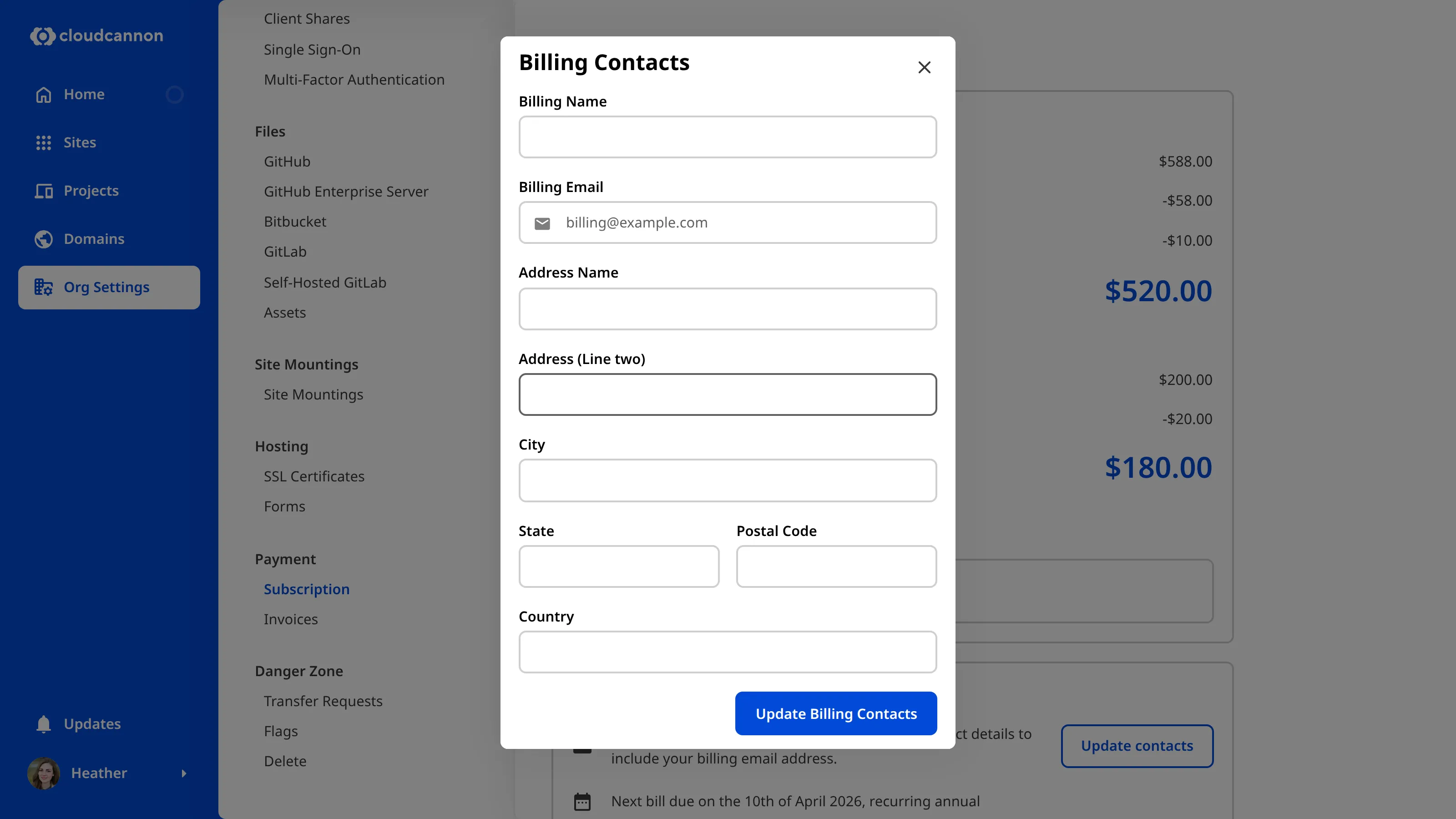
Add your billing details, such as your physical address, to your invoices by updating your Billing Contacts. These will display on the top of your invoices. We won't mail copies to your physical address.
Automatically emailing invoices
By default, invoices won't automatically send to any email address. You can configure this by adding an email to your Billing Contacts in your Subscription settings. Once set, you will see confirmation of the email address and the next expected invoice date in your Billing section.
How to update your Billing Contacts
- Head to Organization Settings > Subscription.
- Under the Billing section, click Update Contacts.
- Add your preferred email address in the top field.
- Add your billing details in the bottom field.
- Click Update Billing Contacts to save.