Congratulations! 🎉
By following each step in this guide so far, you have set up basic WYSIWYG editing for your Site on CloudCannon. But there's a lot more to CloudCannon that we haven't covered yet. Check out the sections below for more resources to help you on your CloudCannon journey.
Thanks for finishing the Getting Started with CloudCannon guide! If you have any questions, please reach out to our friendly support team or check out the CloudCannon Community. We're always here to help.
User guides#
Now that you have basic WYSIWYG editing set up on your Site, you can start using CloudCannon to manage your content. Here are a few guides to help you and your team learn important skills for working in CloudCannon.
- Editing in CloudCannon— Learn how to edit your files in CloudCannon's Content, Data, or Source Editors and save those changes back to your Git Repository.
Developer guides#
There are so many more features you can configure in CloudCannon. While technically optional, we highly recommend reading through these other guides to figure out which configuration you need.
You can complete these guides in any order, but here's the order we suggest:
- Set up Visual Editing — Learn how to enable the Visual Editor by adding Editable Regions to your files, as well as configure builds for preview screenshots in your Collection browsers.
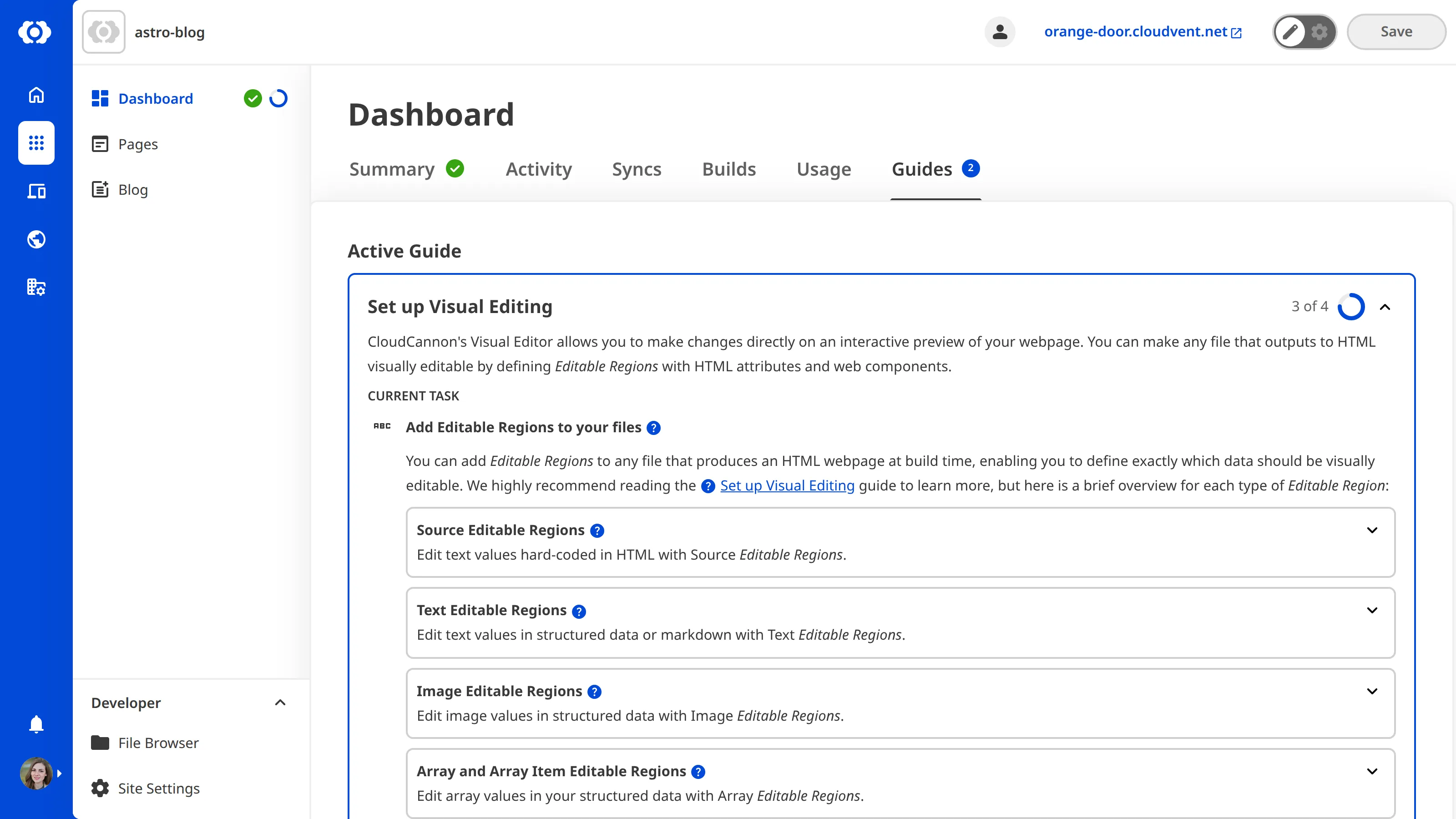
Most of these guides have in-app counterparts. You can find a complete list of guides that configure your Site (rather than your Organization) under the Guides tab on your Dashboard. You can also see your current in-app guide on the Summary tab by marking it as active.