Custom integrations built with the Visual Editor API CloudCannon's Visual Editor API is a public JavaScript API for building custom integrations with the Visual Editor. It lets you run your own code inside the Visual Editor to read and write content, listen for changes, and upload files using code running inside your website files. CloudCannon's visual editing interface provides a user-friendly way of updating your website files on an interactive preview of your webpage. You can navigate around your website preview using links/buttons, as you would on the live version, and edit your content inline on the page, or with the data panel or sidebar. What you see in the Visual Editor is what your website visitors will see on your live webpages.Visual Editor API
Visual Editor
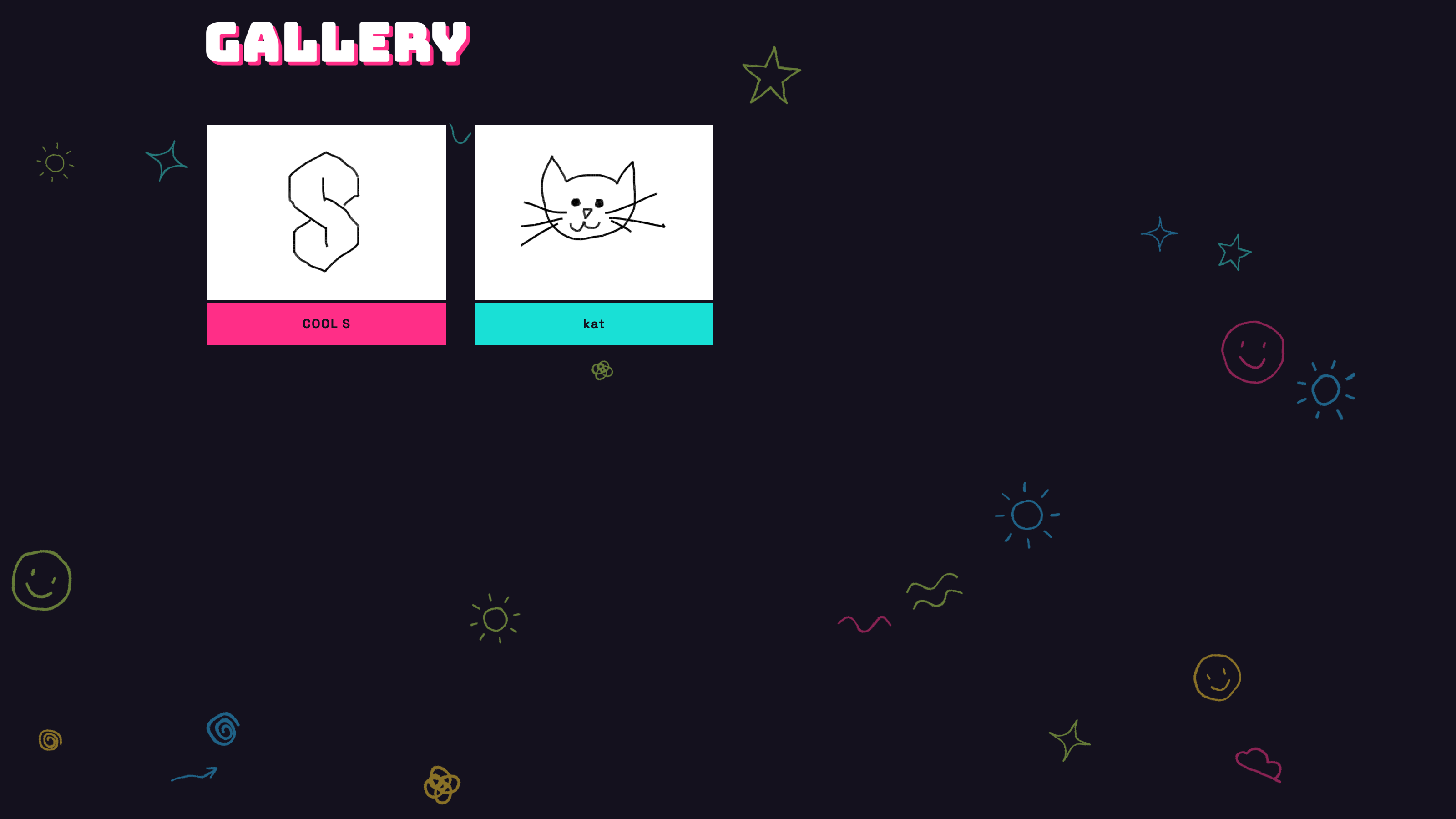
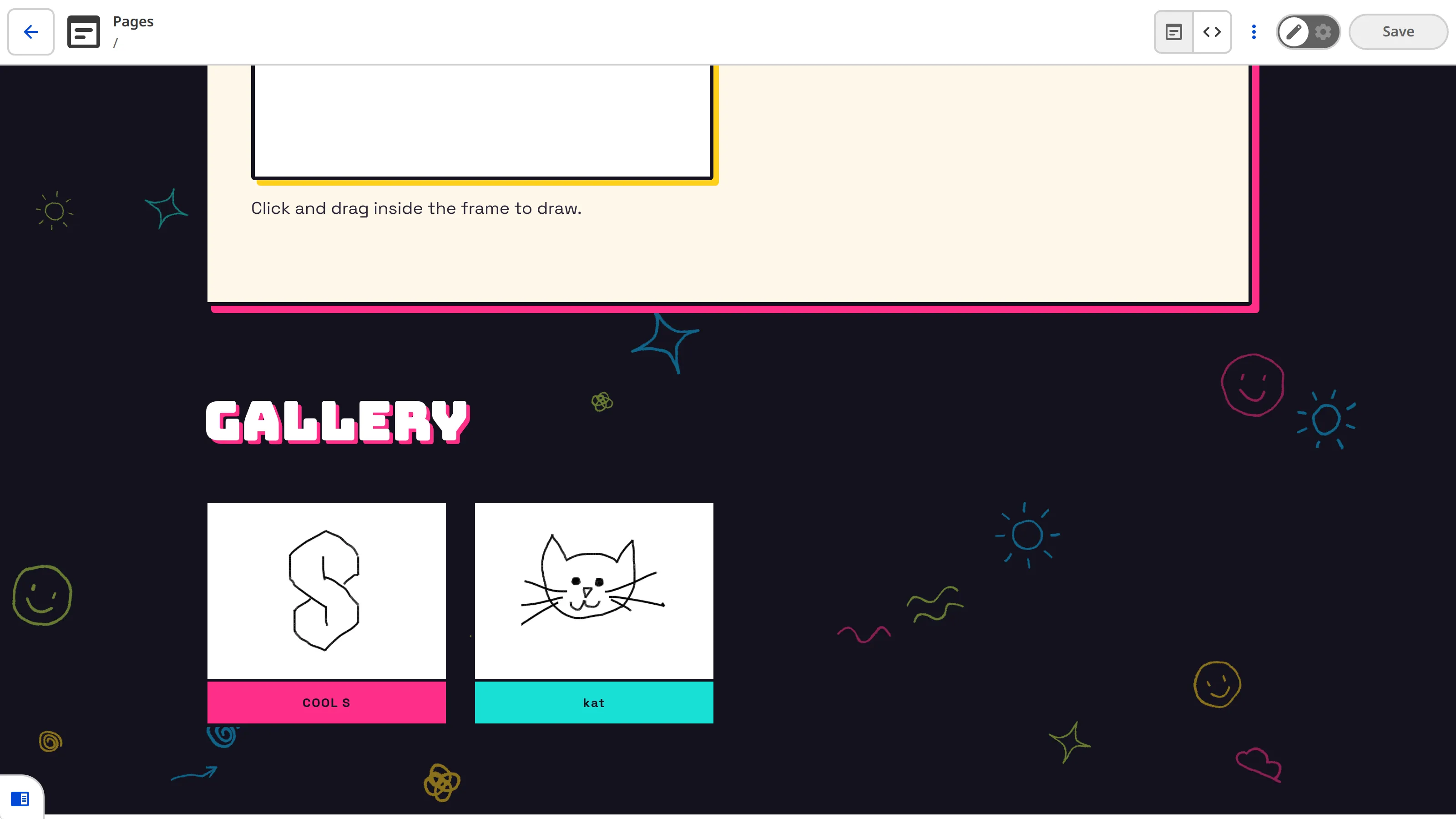
In the Doodle Gallery example, the gallery of doodles appears as the first item on the webpage when you view it through your internet browser.
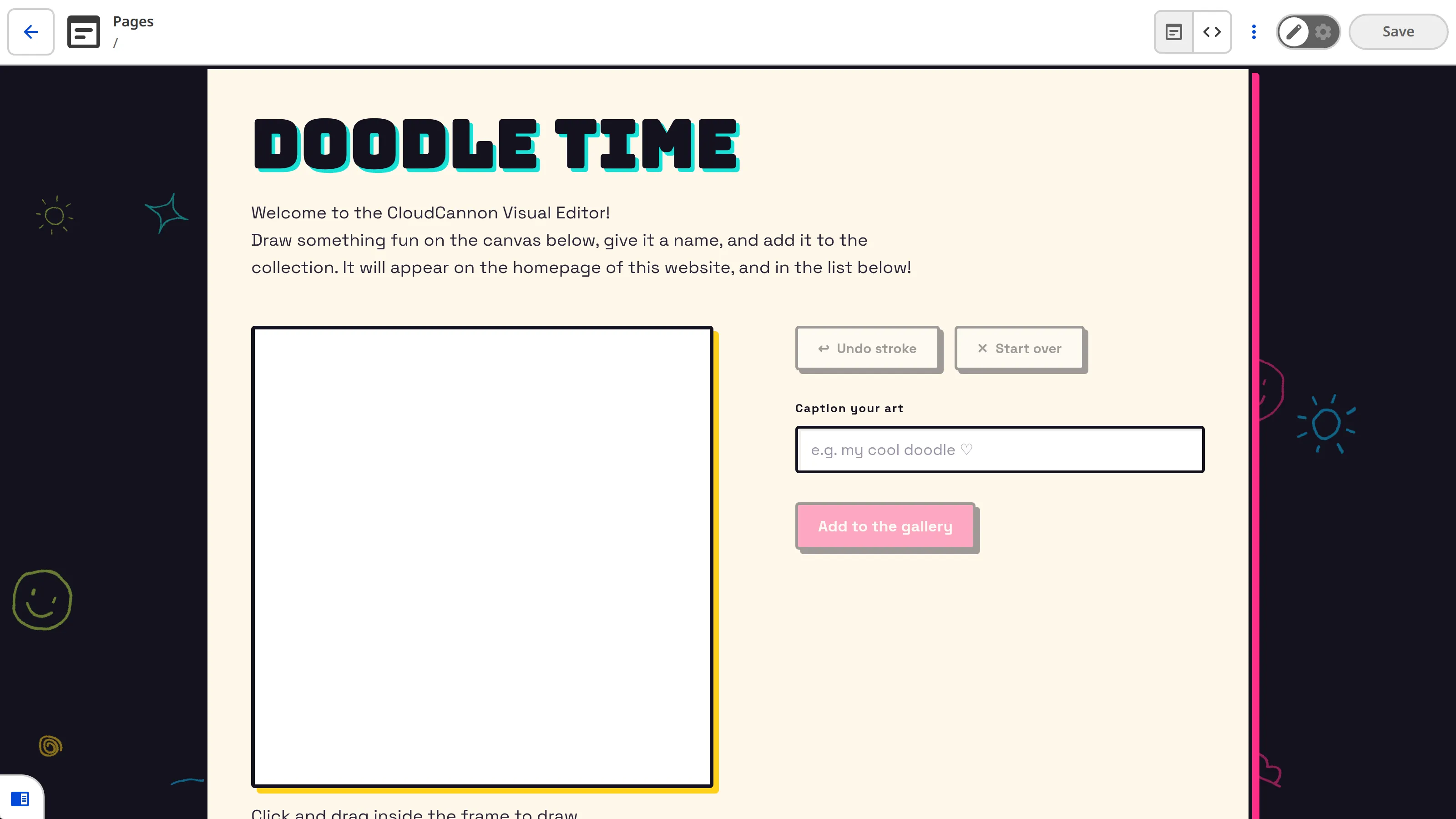
The drawing canvas only appears at the top of the webpage when loaded in the Visual Editor.
When you open a file in the Visual Editor, CloudCannon injects a script that sets window.inEditorMode to true in the document before loading it into the iframe, and leaves it undefined everywhere else. We can use this flag to keep custom integrations inside the Visual Editor. Once we know we're in the Visual Editor, we can request the API with window.CloudCannonAPI.useVersion('v1', true).
If you are writing in TypeScript, you can get type checking and autocomplete with the Visual Editor API.
The Doodle Gallery imports the API's types from the @cloudcannon/visual-editor-api package. Because the types are only used at build time, install it as a dev dependency:
npm install --save-dev @cloudcannon/visual-editor-apiimport { useState, useRef, useEffect } from 'react';
import type { CloudCannonVisualEditorAPIV1, CloudCannonVisualEditorWindow } from '@cloudcannon/visual-editor-api';
declare const window: CloudCannonVisualEditorWindow & { inEditorMode: true | undefined }
export function Doodler() {
const apiRef = useRef<CloudCannonVisualEditorAPIV1 | undefined>(undefined);
const canvasRef = useRef<HTMLCanvasElement>(null);
const [inCloudCannonEditor, setInCloudCannonEditor] = useState<boolean>(false);
useEffect(() => {
if (!window.inEditorMode) {
return;
}
setInCloudCannonEditor(true);
const initApi = () => {
apiRef.current = window.CloudCannonAPI?.useVersion('v1', true);
};
if (window.CloudCannonAPI) {
initApi();
return;
}
document.addEventListener('cloudcannon:load', initApi, { once: true });
return () => document.removeEventListener('cloudcannon:load', initApi);
}, []);
if (!inCloudCannonEditor) {
return undefined;
}
// ...render the drawing tool
}Import the API and window types from the @cloudcannon/visual-editor-api package.
Declare window with CloudCannon's types so inEditorMode and CloudCannonAPI are typed.
Hold the API Object in a useRef so it persists across re-renders, ready for whenever an Organization Member submits. useRef(undefined) touches no browser globals, so it's safe during a server-side build.
Only run inside the Visual Editor — window.inEditorMode is true there and undefined on the live Site — and bail out early everywhere else.
Request v1 of the API with useVersion('v1', true). The true keeps the API Object off the global window.CloudCannon, so it won't clash with integrations using another API version.
If window.CloudCannonAPI already exists, initialize immediately.
Otherwise wait for the cloudcannon:load event, which CloudCannon dispatches after setting window.CloudCannonAPI. { once: true } and the cleanup remove the listener once it fires or the component unmounts.
Render nothing outside the Visual Editor, so the tool never appears for site visitors.
The Visual Editor API is available on window.CloudCannonAPI whenever a file is open in the Visual Editor. The Doodle Gallery initializes it inside a React useEffect, but the same approach works in any framework — the only requirement is that the code runs in the browser, not during a server-side build.
Depending on how your integration loads, window.CloudCannonAPI may not exist yet when your code first runs.
Before the Doodle Gallery integration performs any other actions, it checks whether the webpage is already running in the Visual Editor, then initializes the Visual Editor API. If not, it waits for the A person who belongs to the same Organization as you. Organization Members are other CloudCannon users who have been invited to your Organization to collaborate on Sites, edit content, or manage settings. Each Organization Member has their own CloudCannon account with individual permissions assigned through Permission Groups, and uses one Seat in your Subscription Plan. Organization Members were previously called Team Members.cloudcannon:load event, which CloudCannon dispatches after setting window.CloudCannonAPI. Because the API Object lives in a useRef, it's ready whenever a Organization MemberOrganization Member
In the next step of this guide, we'll render the custom interface Organization Members use to draw a doodle.