The Rosey CloudCannon Connector The Rosey CloudCannon Connector is an optional package that connects Rosey's translation data to the CloudCannon Visual Editor, allowing editors to translate content inline without leaving the Visual Editor. It extends Rosey's build-time translation process with live editing support. CloudCannon's visual editing interface provides a user-friendly way of updating your website files on an interactive preview of your webpage. You can navigate around your website preview using links/buttons, as you would on the live version, and edit your content inline on the page, or with the data panel or sidebar. What you see in the Visual Editor is what your website visitors will see on your live webpages.Rosey CloudCannon Connector
Visual Editor
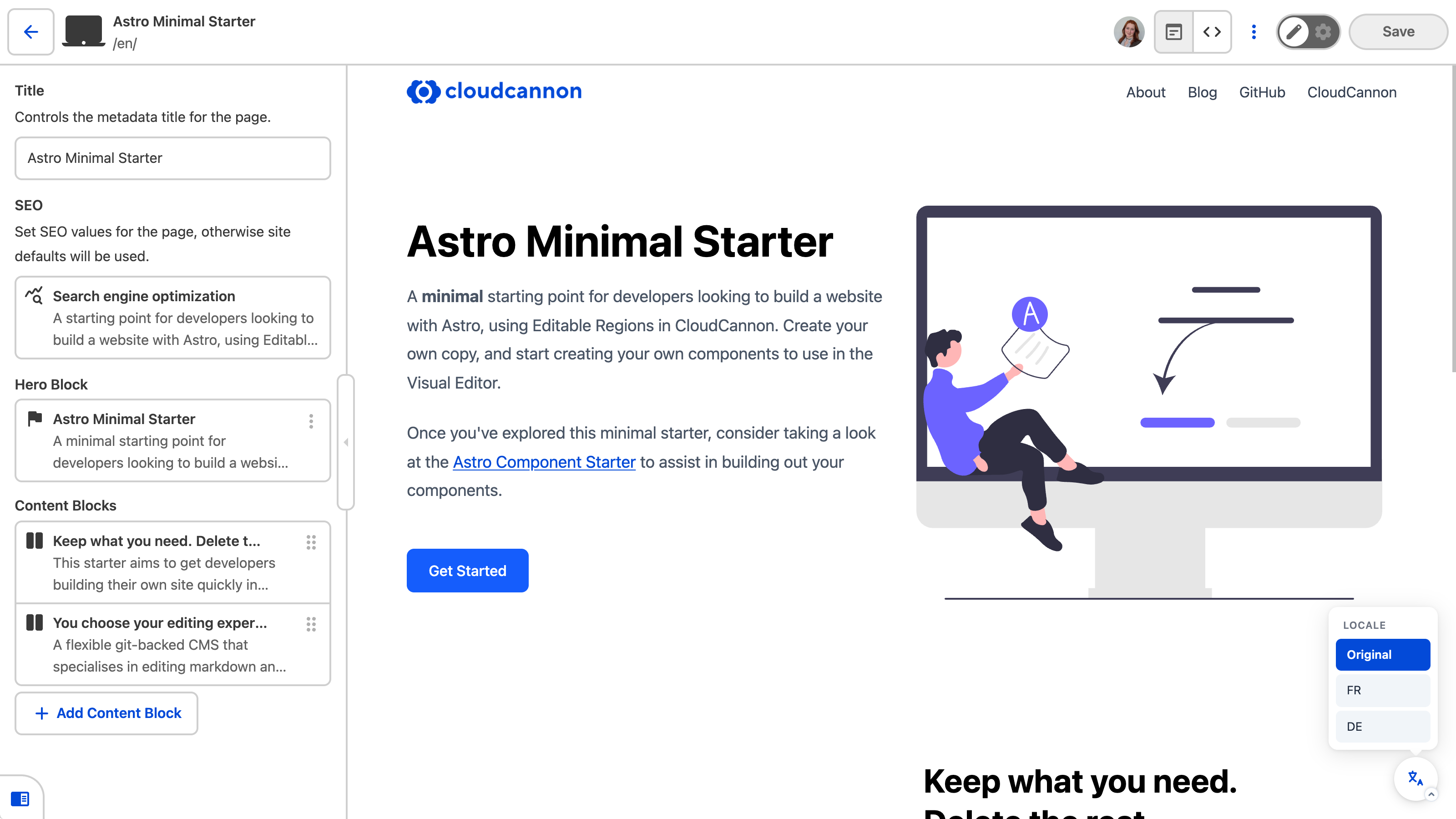
The Connector is built using CloudCannon's Visual Editor API.
When you load a Site with the Rosey CloudCannon Connector in the Visual Editor, you get:
- A locale switcher — a floating button that lets you switch between available locales directly in the Visual Editor preview
- Inline translation editing — clicking on any
data-rosey-tagged element opens an inline editor connected to the corresponding locale JSON entry - Stale translation highlighting — elements whose source text has changed since the translation was written are highlighted with amber borders, with a count badge and resolve panel to help you work through them
How the Connector works#
The Rosey CloudCannon Connector is a client-side JavaScript library that you load in your Site's layout.
When the Connector detects a webpage is open in the Visual Editor, it highlights all the data-rosey-tagged elements on the page, and adds a floating locale-switching tool in the bottom right of the Visual Editor, allowing you to easily change which version of a page you are seeing. Because the Connector uses the Visual Editor API, all these editing interfaces are only visible within the Visual Editor — not on your live Site.
To use the Rosey CloudCannon Connector, you must already have Rosey set up on your Site.
The Connector does not replace Rosey. It extends Rosey by connecting the Visual Editor to your locale JSON files. Rosey still handles the build-time translation process — generating localized output from your JSON files during the postbuild step.
In the next step of this guide, we'll install and configure the Connector on your Site.
