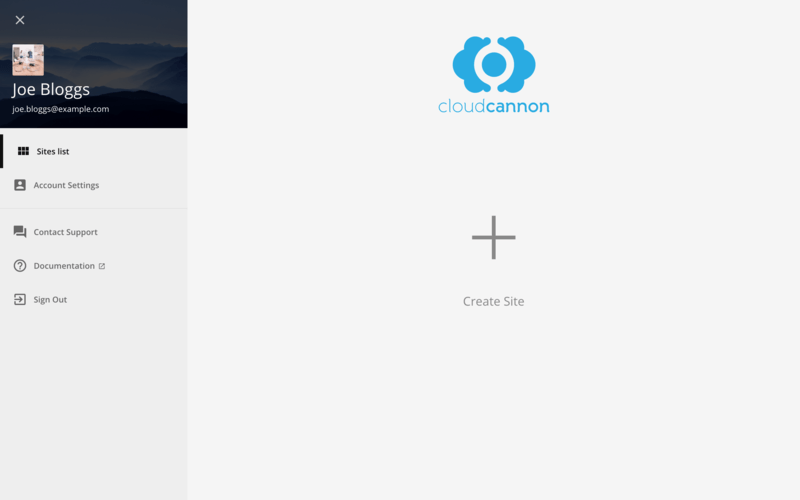
The empty Sites list before the redesign · A screenshot of the empty Sites list before the redesign shows an expanded side menu with Sites list, Account Settings, Contact Support, Documentation, and Sign Out links, and a Create Site button.
After:
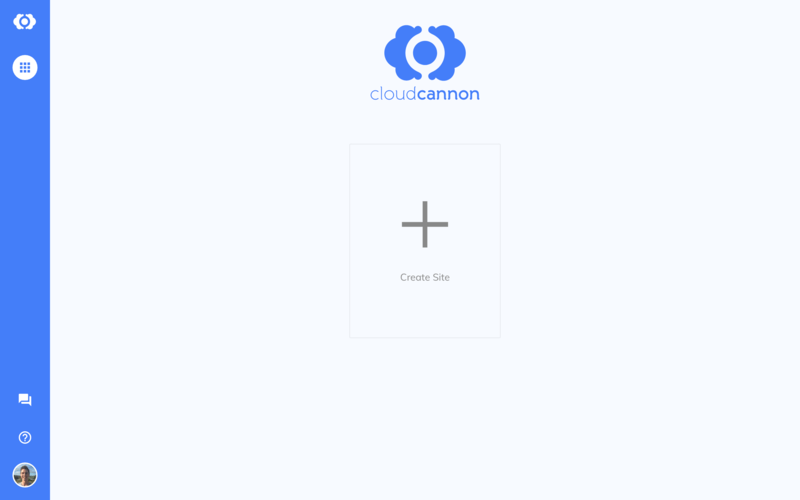
The empty Sites list after the redesign · A screenshot of the empty Sites list after the redesign shows a narrow blue sidebar with icon-only navigation and a Create Site card in the center of the page.